13
COWON D3
+ Converting Video Files Using COWON MediaCenter - JetAudio
Additional
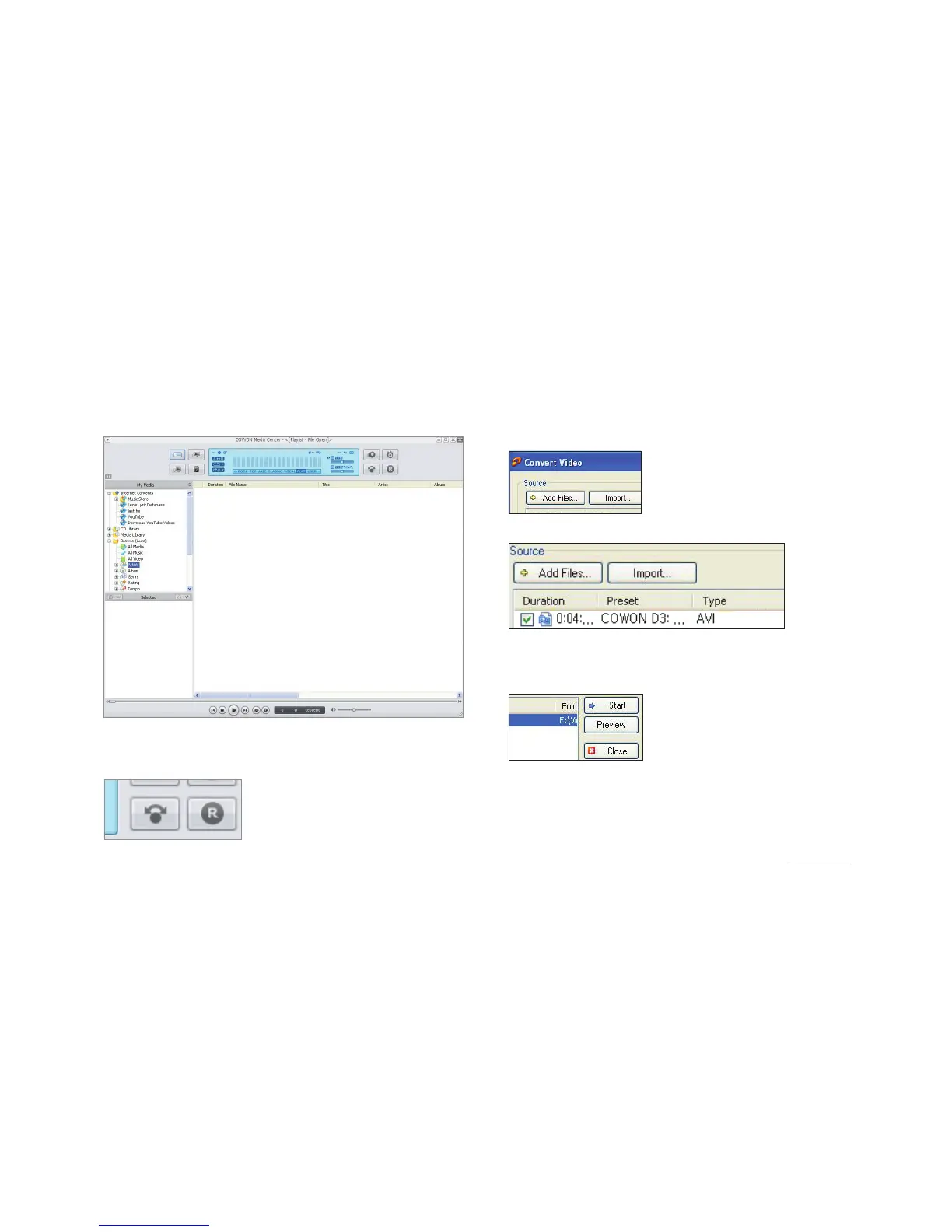
1. Install and run the COWON MediaCenter - JetAudio.
2. Click “Convert” button on the top right hand side.
From drop-down menu, select “Convert Video”.
3. From the Convert Video window, click “Add File” to
select the les to convert.
4. Check the selected video les in the list.
5. After checking the target folder location to save
the converted les and other settings, click on
“Start” to start the video conversion process.



 To Next Page