16
iAUDIO E2
+ Music Playback and Using the Product
Basic Use
[Rewind/Fast Forward]
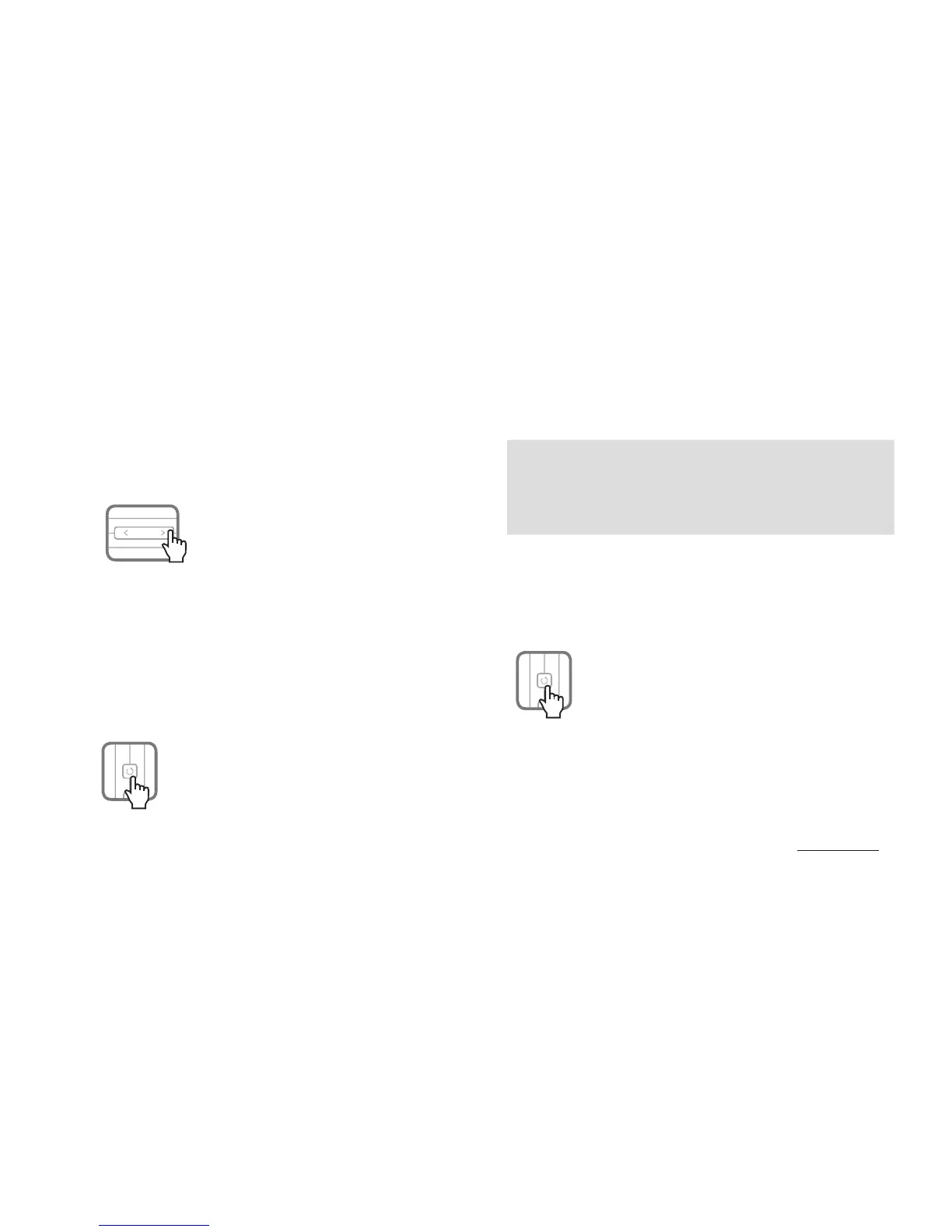
Press and hold FF/REW button to rewind or fast forward.
- A beep will sound during FF/REW.
[Setting up the sound effect]
Press the menu button to assign various sound effects.
- iAUDIO E2 is equipped with 9 sound effects featuring BBE+
technology.
- Each preset is announced by a voice guide when pressing the
Menu button.
- Sound effect sequence as follows:
■ BBE+ sound effect
Normal → BBE → BBE ViVA → BBE ViVA 2 → BBE Mach3Bass →
BBE MP → BBE Headphone → BBE Headphone 2 →
BBE Headphone 3 → then, loop
Press and hold menu button to activate shuffle function.
(voice guide: ‘Shuffle On’).
The shuffle function plays back stored music files in a random
sequence.
Press and hold menu button again to deactivate shuffle function.
[Reset]
Press reset button on the rear of the unit to cut the power to
iAUDIO E2.









 To Next Page