CRAFTBOT PLUS PRO AND CRAFTBOT XL
DOME INSTALLATION MANUAL
www.craftbot.com
3. FIRMWARE SETTINGS
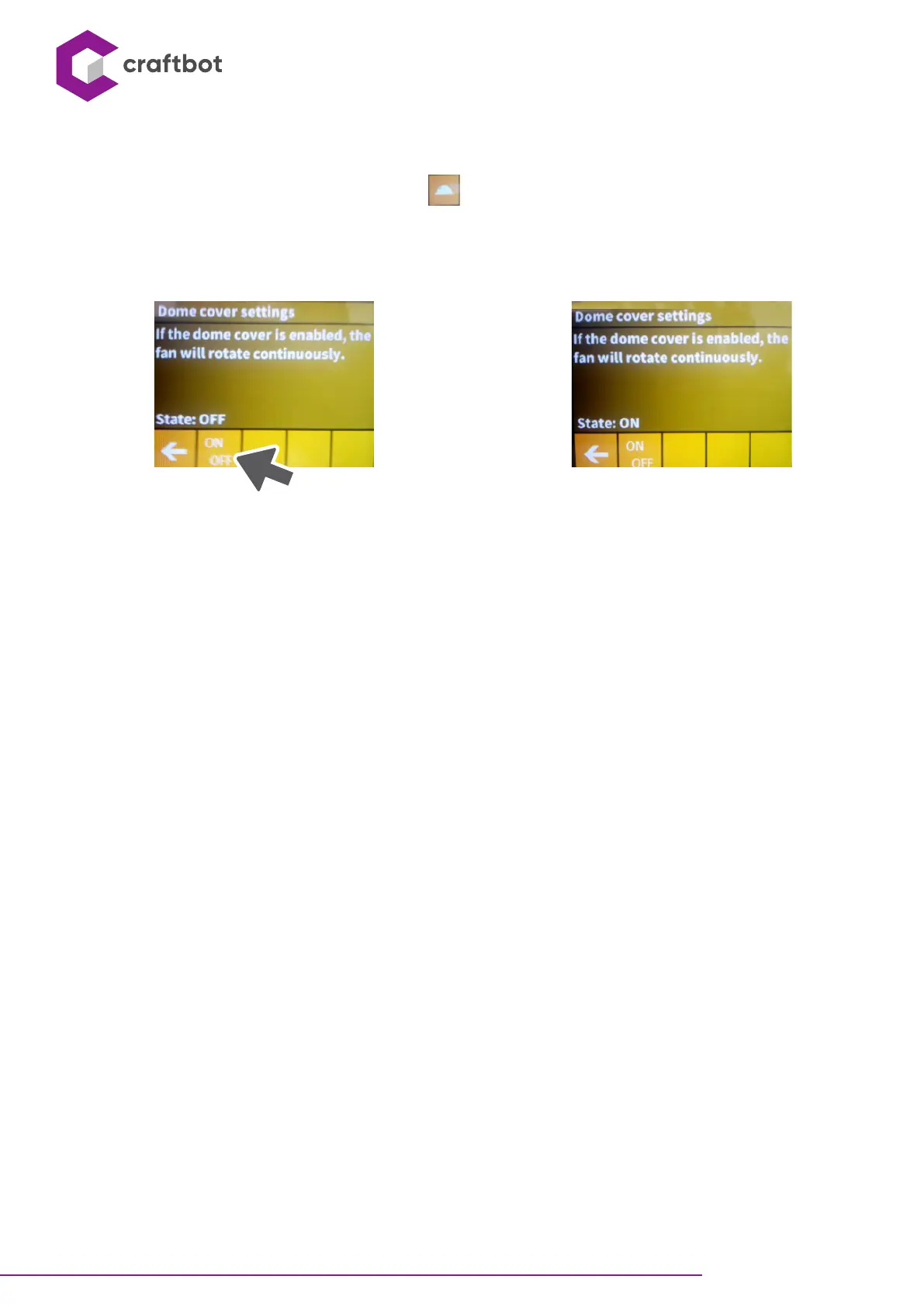
• In the temperature seing menu, by pressing the icon, the dome cover seings menu will be displayed.
• Here, with the ON / OFF buon, you can enable or disable the operation of the dome fan. This feature seing will
not change when the printer is turned off and on.


 To Next Page