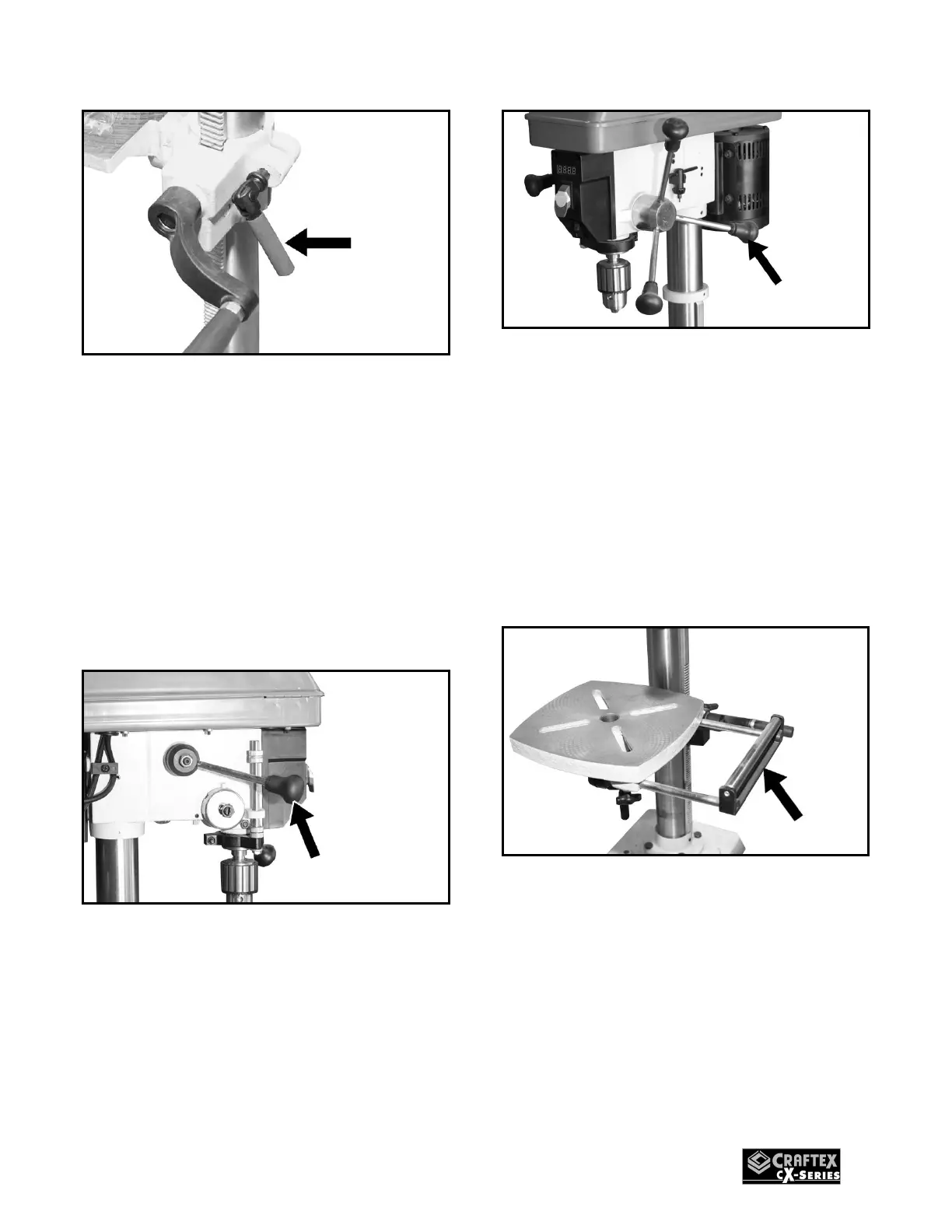
Figure-3 Installing table height lock handle
Slide the table to desired height and lock it
in position.
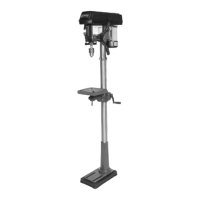
FEED HANDLES
To install the feed handles:
Thread the three feed handles into the
holes on the feed hub and hand tighten.
See figure-4.
Figure-4 Installing the feed handles
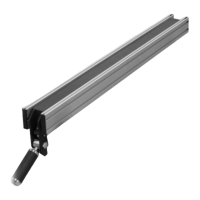
SPEED HANDLE
Thread the speed handle into the hole on
the speed hub and hand tighten. See
figure-5.
Figure-5 Installing feed handle
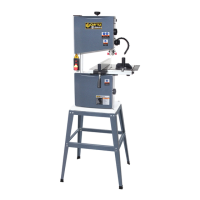
EXTENSION TABLE
ROLLER
Insert the two rods of the extension table
into the two channels at the side of the
table.
Secure the extension table by tightening the
two lock knobs underneath the table. See
figure-6.
Figure-6 Installing extension table


 To Next Page