EasyManua.ls Logo

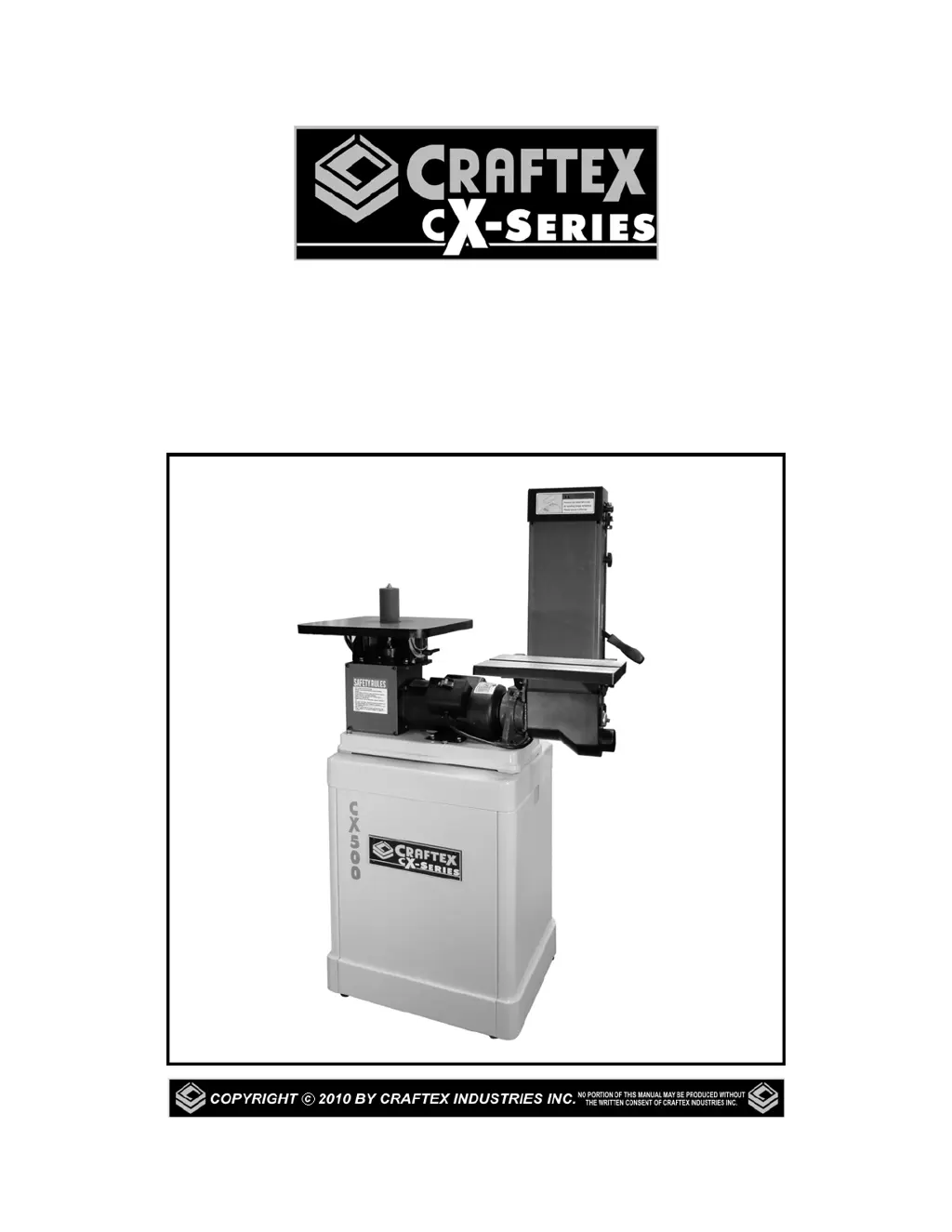
Craftex CX500 - User Manual

Craftex CX500
21 pages
Print Icon
To Next Page IconTo Next Page
Loading...
CX500
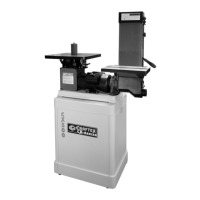
6” x 48” BELT & OSCILLATING
VERTICAL SPINDLE SANDER
User Manual

Questions and Answers

  • M
    Michael PottsSep 12, 2025
    How to stop tools from grabbing on my Craftex Lathe?
    • B
      Brian NielsenSep 12, 2025
      If tools on your Craftex Lathe tend to grab or dig in, the issue could be due to dull tools (sharpen them), the tool support being set too low (reposition its height), the tool support being too far from the workpiece (reposition it closer), or using the wrong tool for the operation (use the correct tool).
  • M
    Mary MaciasAug 25, 2025
    Why does my Craftex Saw leave ridges on the cutting surface?
    • S
      Samantha OlsenAug 25, 2025
      If your Craftex Saw is producing ridges on the cutting surface, several factors could be the cause. First, the disk diameter might be incorrect or too large; try decreasing the disk diameter to better match the part you're cutting. Also, ensure the part is gripped effectively in the vise. Reduce the advance and use less cutting pressure. If the disk teeth are worn, sharpen the tool. Check the level of lubricating refrigerant in the tank. Finally, make sure the blade has a larger tooth pitch to allow better unloading of shavings and hold more lubricating refrigerant.
  • P
    Philip DavisAug 25, 2025
    Why is my Craftex CX500 disk vibrating?
    • R
      Ryan HolmesAug 26, 2025
      If the Craftex Saw disk is vibrating, it could be due to several reasons. The tooth pitch or tooth profile might be unsuitable, so choose a suitable disk. Ensure the part is gripped effectively in the vise. If the dimensions of the solid section are too large, abide by the instructions. If the disk diameter is incorrect or too large, decrease the disk diameter to match the part being cut.
  • E
    Erin LeonSep 23, 2025
    What to do if the spindle on my Craftex Power Tool does not turn?
    • R
      Robert RoachSep 23, 2025
      If the spindle on your Craftex Power Tool isn't turning, here are a few things to check: the circuit breaker might have tripped (reset it), the branch circuit breaker might have tripped or a fuse blown (reset the breaker or replace the fuse), there could be an open wire in the switch circuit (repair the open circuit), the switch could be defective (repair the switch), or the drive belt might be broken (replace the drive belt).
  • T
    Tamara FoxSep 12, 2025
    What to do if Craftex Lathe motor does not run when power switch is turned on?
    • J
      Jeremy JensenSep 12, 2025
      If the motor doesn't run when you turn on the power switch, it could be due to a burnt-out switch, in which case you should replace the switch. Another possible cause is a loose or damaged connection wire, which needs to be tightened or replaced.
  • N
    Nancy RamirezSep 16, 2025
    How to fix a Craftex Sander when the motor will not start?
    • C
      clarkchristopherSep 16, 2025
      If your Craftex Sander motor won't start, it could be due to a few reasons. First, a faulty or defective switch might be the issue; consider replacing it. Second, a faulty or blown capacitor could be the culprit, so replace the capacitor. Third, check for a blown fuse or tripped circuit breaker; if a fuse is blown, replace it with the required size, and if a breaker is tripped, reset it. Finally, low line voltage could be the cause; check the power supply for the correct voltage and adjust as needed.
  • M
    Monica LaraSep 5, 2025
    Why is the board edge curved after using my Craftex Power Tool?
    • C
      Christy HowardSep 5, 2025
      This can happen if the board isn't held with the same pressure on the infeed and outfeed table during the cut; ensure you hold the board with consistent pressure as it moves over the cutterhead. Also, if the board has too much bow or coil along its length, take limited cuts to remove the high spots before a full pass. Surface plane one face so there is a good surface to place along the fence. It should take 3 to 5 passes to get a perfect edge depending on the state of the board and the depth of cut.
  • M
    Mary VasquezSep 6, 2025
    Why is my Craftex Power Tool causing chipped or ripped out pieces?
    • N
      nhughesSep 6, 2025
      This issue can be caused by knots or incompatible grain direction in the wood. Check the workpiece for knots and grain; clean stock should be used. Also, nicked or broken cutter inserts can be the problem; turn or replace the cutter insert. Feeding the workpiece too fast can also cause this; reduce the feed rate. Finally, taking too deep of a cut can cause chipping; take a smaller depth in cut, especially when using hard wood.
  • L
    Lisa HessAug 29, 2025
    What to do if Craftex Air Cleaner motor does not run when power is switched on?
    • M
      Michael GarciaAug 29, 2025
      If the motor of your Craftex Air Cleaner doesn't run when you switch it on, the fuse may have blown and needs replacing. Alternatively, the switch could be burned out, requiring replacement. Another potential cause is a loose or damaged wire connection, which should be tightened or replaced.
  • T
    Thomas NavarroAug 30, 2025
    Why Craftex Air Cleaner motor will not reach full power?
    • L
      Larry WebsterAug 30, 2025
      If your Craftex Air Cleaner motor won't reach full power, the power wiring might be incorrect; replace or correct it. Another possibility is that an overload has tripped; reduce the load by cleaning the filters as necessary.

Craftex CX500 Specifications

General IconGeneral
BrandCraftex
ModelCX500
CategorySaw
LanguageEnglish

Related product manuals