11
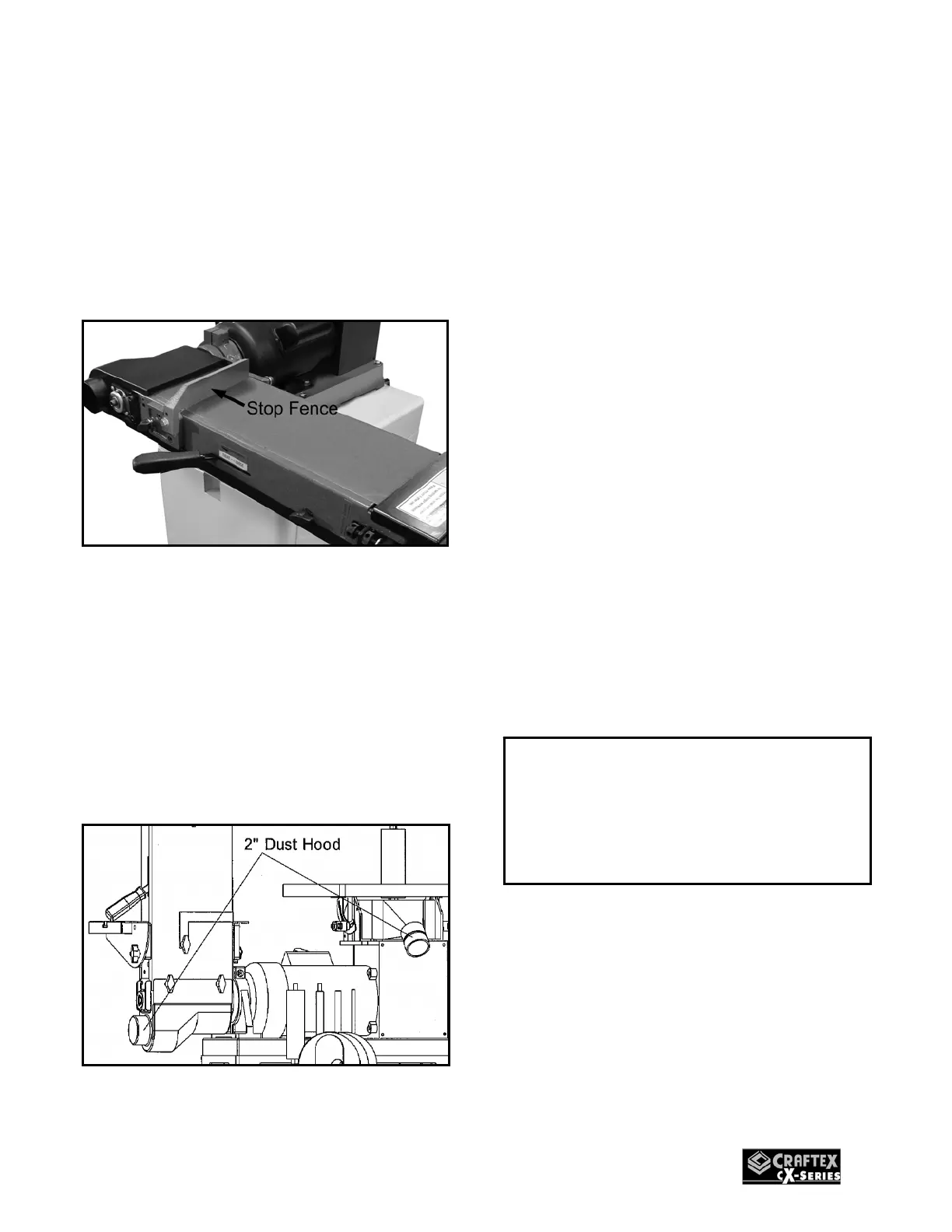
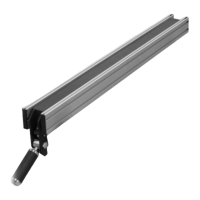
STOP FENCE
When the sanding platen is set for
horizontal sanding, t he stop fence should
be used to prevent the work piece flying out
while sanding.
Install the stop fence to the sanding platen
using the two lock knobs.
Figure-10 Installing the stop fence
DUST COLLECTION
CX500 features two 2” diameter dust ports
to connect to a dust collector.
When connecting to a dust collector, use a
proper siz ed hos e and make s ure all the
connections are sealed tightly.
Figure-11 Dust Hoods
MOUNTING THE SPINLDE
CX500 is furnished with five s pindle drums
sizes:
1/4", 1/2", 5/8", 1-1/2" and 2" diameter
spindles
To mount the spindle drum:
1. Turn off the sander and disconn ect the
cord from the power source.
2. Select the required di ameter of spindle
drum.
3. Clean the spindle drum and make sure
there is no dust or debris on it.
4. Use an open-end wrench to lock the
spindle by holding its flat surface and at
the same time use another open-end
wrench to tighten the spindle drum.
5. Make sure not to over-tighten the
spindle as it could cause removal
problems later.
IMPORTANT
Always make sure the machine is turned
off and the cord is disconnected from the
ower source when installing/removing
any part or making any adjustments.


 To Next Page