15
DIODE TEST
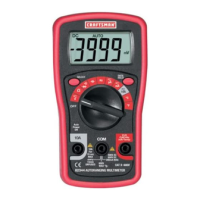
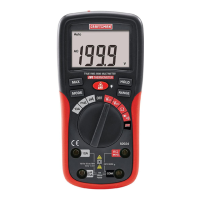
1. Insert the black test lead banana plug into the negative COM jack and
the red test lead banana plug into the positive diode jack.
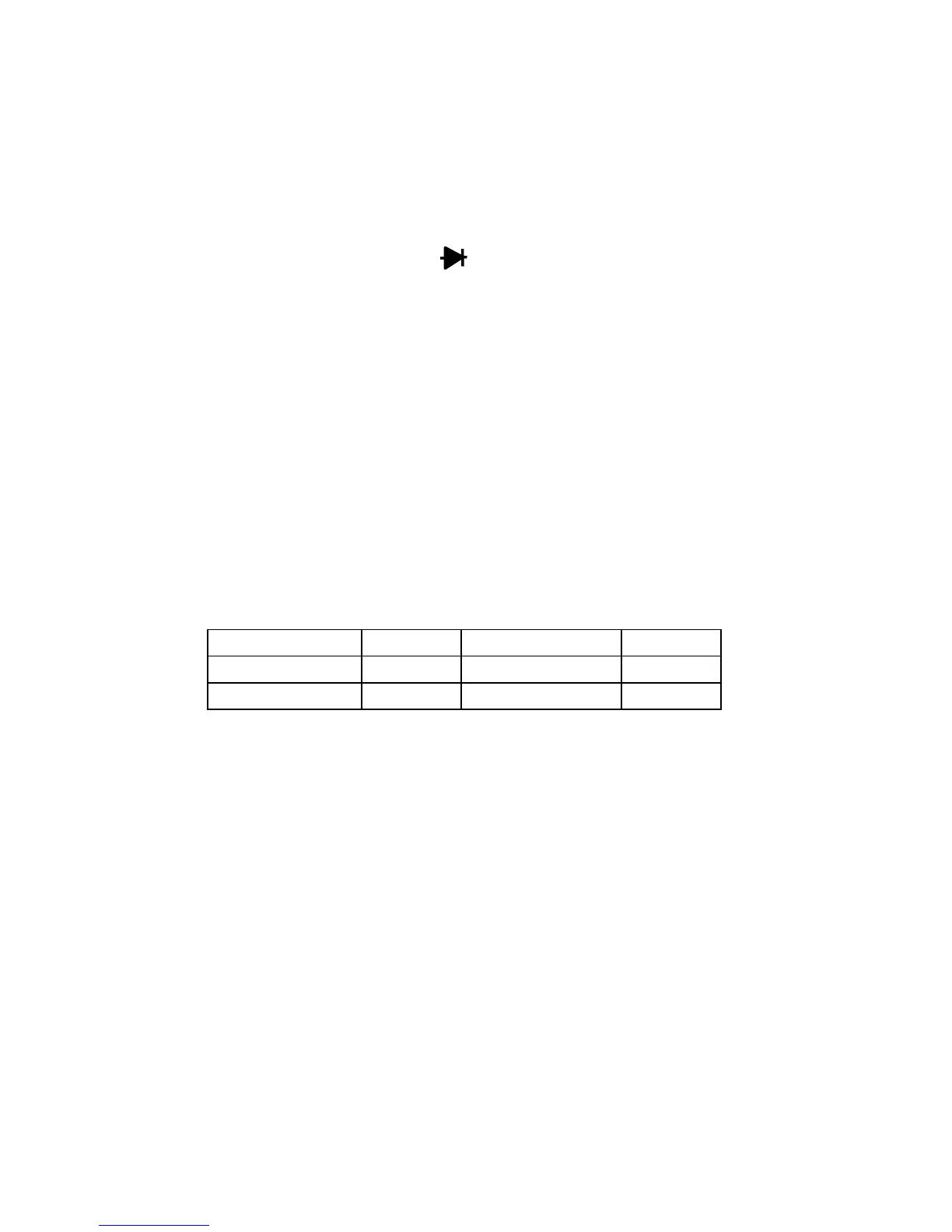
2. Turn the function switch to the / •))) position.
3. Touch the test probes to the diode under test. Forward voltage will
indicate 400 to 700mV. Reverse voltage will indicate “1”. Shorted
devices will indicate near 0mV. Shorted devices will indicate near 0mV
and an open device will indicate “1” in both polarities.
BATTERY TEST
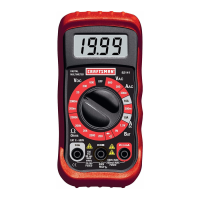
1. Insert the black test lead banana plug into the negative COM jack and
the red test lead banana plug into the positive V jack.
2. Select the 1.5V or 9V BAT position using the function switch.
3. Connect the red test lead to the positive side of the 1.5V or 9V battery
and the black test lead to the negative side of the 1.5V or 9V battery.
4. Read the voltage in the display.
Good Weak Bad
9V battery: >8.2V 7.2 to 8.2V <7.2V
1.5V battery: >1.35V 1.22 to 1.35V <1.22V


 To Next Page