T
IRONT
PANEL&BACK
PANEL
- LOCATION
OI.'CON'I'ROI,S
ANI) F'LINCTIONS
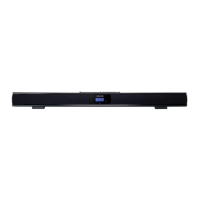
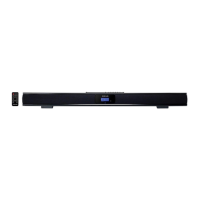
FRONT PANEL&BACK PANEL
- LOCATION
OF CONTROLS
AND FUNCTIONS
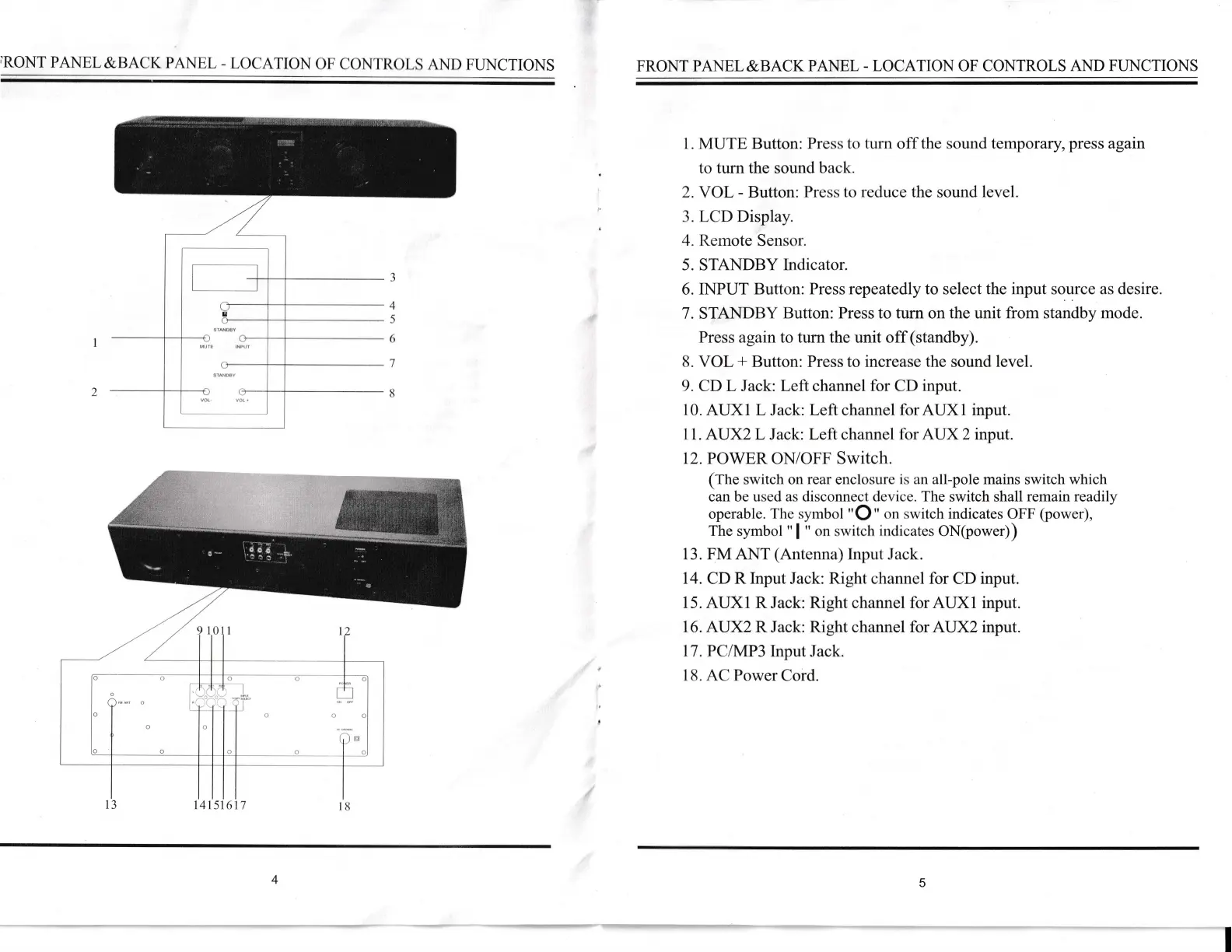
l. MUTE Button:
Press
to turn
off
the sound tempot&ty,press agaun
to turn the sound back.
Z.VOL -
Button:
Press to
rccluce
the
sound
level.
3.
LCD
Display.
4. Rernote
Sensor.
5. STANDBY
Indicator.
6. INPUT
Button: Press repeatedly to select
the input
source
as desire.
7.
STANDBY
Button: Press to turn on
the
unit
from
standby
mode.
Press agaln to turn the unit off
(standby).
8.
VOL
+
Button: Press to increase
the
sound
level.
9.
CD
L
Jack:
Left channel for CD
input.
10. AUX1 L Jack:
Left
channel
for
AuXl
input.
1 1. AUX}L
Jack:
Lelt channe
I lor AUX
2 input.
12.
POWER ON/OFF Switch.
(fhe
switch on
rear
enclosurc
is an
all-pole mains switch which
can be
used as
disconnect
clcvice. The
switch
shall
remain
readily
operable.
Thc
syrnbol "O"
or.r switch
indicates
OFF
(power),
The symbol
"
I
" on swilch
inclicates
ON(power))
13. FM ANT
(Antenna)
Input.lack.
14.
CD
R Input
Jack:
Right channel
for
CD
input.
15. AUX1 R
Jack:
Right
channel for
AUX1
input.
16.
AIIX} R Jack: Right channel for AUX}
input.
17
.
PC/MP3
Input
Jack.
18. n
(l
Power
Cord.
3
4
5
6
7
8
2
a
0
5
6 1
4
S
v(
)l
',lAllr,ri,
MU lt
tNt,t
I
I



 To Next Page