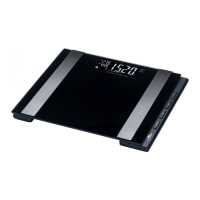
Then the other values will be measured. The following
measurements will appear in sequence on the top left of
the display:
• BMI (see fig.E),
• “BF” body fat percentage (see fig.F),
• Body water percentage (see fig.G),
• Muscle percentage (see fig.H),
• Bone mass (see fig.I),
• Basal metabolic rate “BMR” (see fig.J),
• Active metabolic rate “AMR”.
Once the active metabolic rate is shown, the scale will auto-
matically turn off after approx. 4 seconds.
5. Step down from the scale.
If the weight of different users varies by only 2kg
or their body fat percentage by 2%, the scale will
not be able to recognise the user. In this case, the
measurements in the app will be saved in the
folder “Unknown measurement”.
− Briefly tap on the scale to establish a Blue-
tooth® connection. Open the folder “Unknown
measurement” in the app and manually
assign the measurements to the users saved
on your smartphone.



 To Next Page