EasyManua.ls Logo

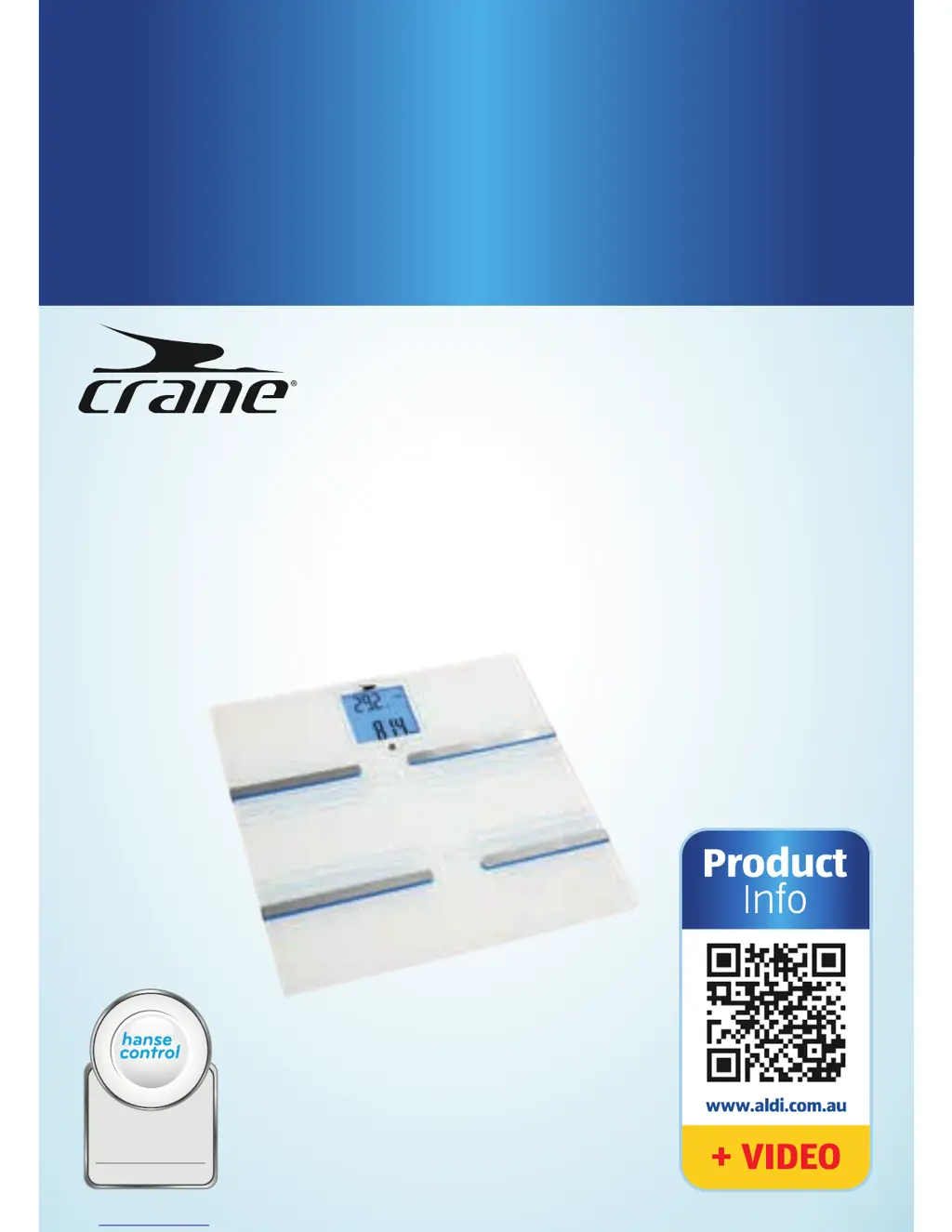
Crane BLUETOOTH SMART DIGITAL SCALE - User Manual

Crane BLUETOOTH SMART DIGITAL SCALE
39 pages
Print Icon
To Next Page IconTo Next Page
Loading...
BLUETOOTH®
SMART DIGITAL SCALE
User Manual
ID: #05007
m
y
h
a
n
s
e
c
o
n
t
r
o
l
.
c
o
m
M
A
N
U
A
L
D
E
V
E
L
O
P
E
D
I
N
G
E
R
M
A
N
Y
User-friendly
Manual

Questions and Answers

  • J
    Joseph TurnerJul 31, 2025
    What to do if 'Err' appears on my Crane Scales display?
    • M
      mjonesJul 31, 2025
      If “Err” appears on the display of your Crane Scales, it means that you have exceeded the upper limit of 180 kg. Avoid exceeding this weight limit. Also, make sure you stand still and distribute your weight evenly on both feet during measurement.
  • N
    Nicholas James DVMAug 4, 2025
    Why is the display blank on my Crane BLUETOOTH SMART DIGITAL SCALE?
    • D
      Dale GibbsAug 4, 2025
      If your Crane Scales display is blank, it could be due to incorrect battery insertion. Remove the batteries and re-insert them, ensuring correct polarity. Alternatively, the batteries might be empty, so replace them with new ones.
  • C
    Courtney RiveraAug 8, 2025
    Why do Crane BLUETOOTH SMART DIGITAL SCALE only show weight?
    • E
      Elizabeth WestAug 8, 2025
      If your Crane Scales only shows the weight, ensure you are barefoot during the measurement. If necessary, slightly moisten the soles of your feet or remove any calloused skin. This is because dry skin or calluses can prevent accurate readings.
  • P
    Paul BurkeAug 12, 2025
    What to do if 'Lo' appears on my Crane Scales display?
    • S
      scarpenterAug 13, 2025
      If “Lo” appears on the display of your Crane Scales and the scale turns off, it signifies that the batteries are low. Replace the batteries with new ones to resolve this issue.
  • W
    William WilliamsAug 17, 2025
    What to do if my Crane BLUETOOTH SMART DIGITAL SCALE was not at zero?
    • Z
      zwaltonAug 17, 2025
      If your Crane Scales was not at zero when you started weighing, it may not have adjusted properly. Wait for the scale to turn off automatically, then step on it again and wait for “0.0” to appear before repeating the measurement.
  • C
    Cassie CarrAug 21, 2025
    How to fix Bluetooth connection issues with Crane BLUETOOTH SMART DIGITAL SCALE?
    • D
      Daniel JenkinsAug 21, 2025
      If your smartphone or tablet fails to connect to the Crane Scales after 180 seconds, first ensure that the Bluetooth® function on your device is enabled. If the issue persists, try removing and reinserting the batteries in the scale, and then toggle the Bluetooth® function on your smartphone or tablet off and on again.
  • M
    Maria SantiagoAug 26, 2025
    What to do if Crane BLUETOOTH SMART DIGITAL SCALE won't connect to my smartphone?
    • J
      Jasmine Marshall DVMAug 26, 2025
      If your smartphone or tablet is not connecting to the Crane Scales, try restarting your device completely. Also, ensure that the app is correctly installed; if not, reinstall it and log in using your user data.

Summary

Safety Precautions

Proper Use and Risk of Injury

Outlines correct usage and critical safety instructions to prevent personal injury.

Battery Safety Guidelines

Details risks associated with batteries and provides safety instructions for handling and storage.

Damage Prevention and Warnings

Advises on how to prevent scale damage and lists items to avoid, like magnetic fields.

Scale and Crane Connect App Integration

App Functions and Measurement Method

Describes the scale's functions and explains the bioelectrical impedance analysis measurement method.

Setup Procedures

Scale Setup and Configuration

Details how to set up the scale on different floors, affix carpet feet, and reset the scale memory.

App Installation and User Account Creation

Guides users through downloading the app and setting up individual user accounts.

Handling and Bluetooth Connection

Establishing Bluetooth Connectivity

Explains the steps to connect the scale to a smartphone or tablet via Bluetooth.

Performing Measurements

Measurement Procedure and Guidelines

Provides detailed instructions and important rules for taking accurate body measurements with the scale.

Evaluating Measurement Results

Cleaning and Maintenance

Troubleshooting Common Issues

Display and Connection Problems

Addresses issues like a blank display, 'Lo' error, or 'Err' message, providing solutions.

Measurement and Connectivity Troubleshooting

Covers problems like only weight being shown, fat percentage issues, zeroing problems, and Bluetooth connection failures.

Warranty Information

Crane BLUETOOTH SMART DIGITAL SCALE Specifications

General IconGeneral
Bluetooth ConnectivityYes
DisplayLCD
Battery TypeAAA
Power SourceBattery
Auto CalibrationYes
Auto Power OffYes
TypeDigital Scale
Weight Capacity180 kg / 400 lb
Measurement Unitskg, lb
FeaturesSmartphone App Connectivity, Body Composition Analysis
Dimensions30 x 30 x 2.2 cm

Related product manuals