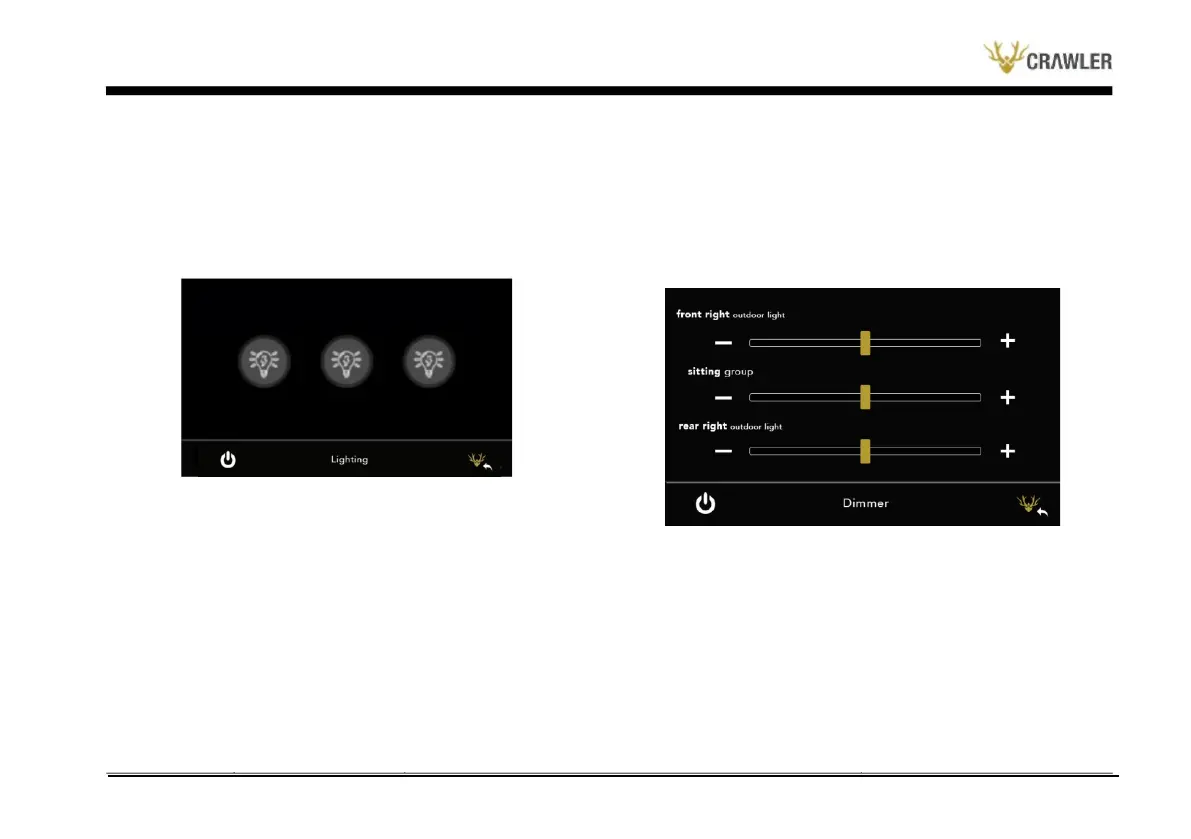
Lighting Menu
The lighting menu is accessed by pressing the button with the
"Light” symbol on the main screen. The following menu will appear
on the screen when the screen is first opened.
Dimmer Menu
The dimmer control menu is accessed by pressing the button with
the "+/- Light” symbol on the main screen. There are three zones
in the dimmer menu. There are two buttons "+” and "-” for each
zone. The degree control of the light intensity of the zones is done
from this menu. It is used to decrease and increase the brightness
of the lighting system of the relevant area.
Circular buttons indicate the position of the lights inside the caravan.
The white button means "Light Off” and the black button means
"Light On”.
Water Menu
The Water Control menu is accessed by pressing the button with the
"Water Drop” symbol on the main screen. When you enter the
menu, a page appears as seen in the image below.


 To Next Page