11
ENGLISH
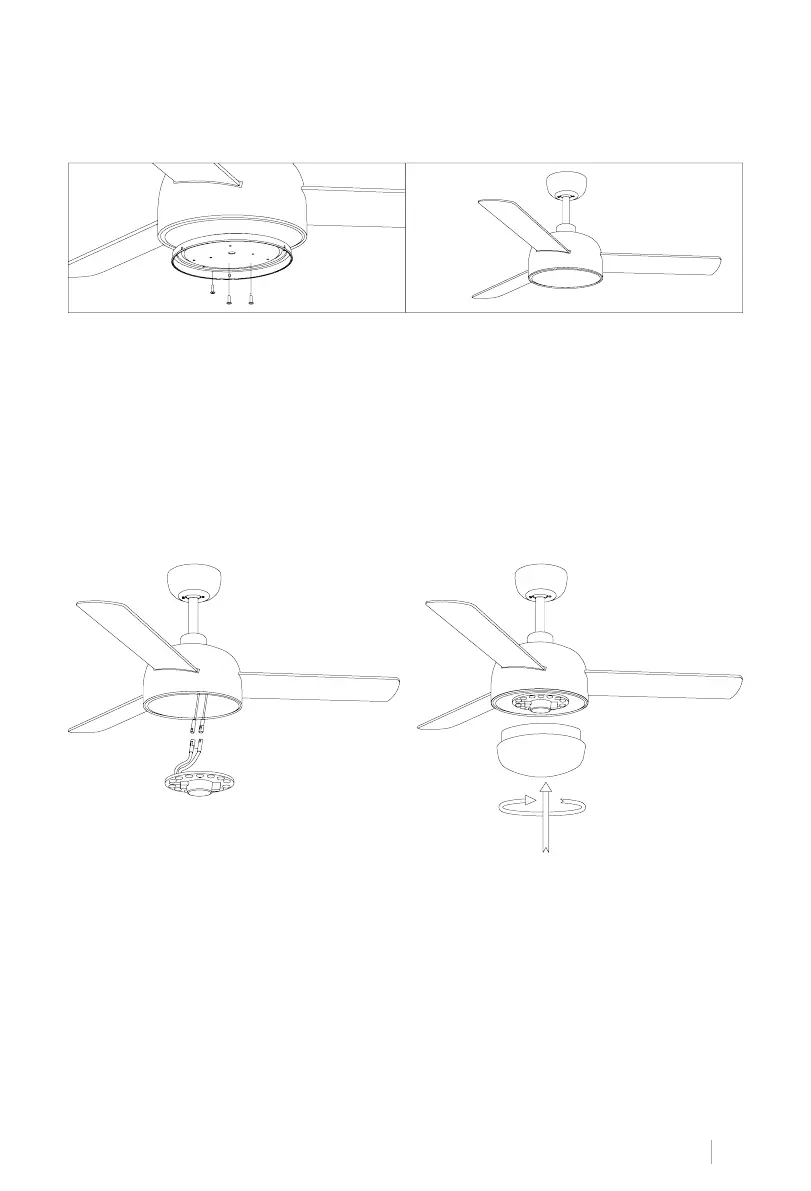
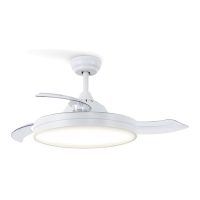
• Connect the single pin plugs on the breakout board to those on the LED panel. The LED
panel is magnetized so it attaches to the backplane by simply snapping the two pieces
together.
Note: While installing or removing the LED board, be careful not to touch the insulating tabs.
Do not overtighten or fasten the screws as this may cause damage to the insulating tabs.
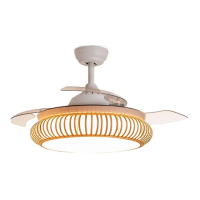
• Put the decorative screen on the LED plate.
• Attach the plate to the bottom of the fan by inserting the screw heads into the designated
screw holes. Thread the screws and then secure them.
ASSEMBLY OF THE LED PANEL AND THE DECORATIVE SCREEN
PATCH PANEL MOUNTING
1 2
• Check the correct operation of the ceiling fan, checking that there is no strange movement
or misalignment in any part of the fan.
• In the event that any kind of buzzing/vibration can be noticed, you can proceed to adjust the
blades with the balance kit.
• In this kit you have self-adhesive weights and clips in the form of "u".
• Turn off the ceiling fan.
• You can put the clip in the center of any blade and check if the vibration decreases.
• Turn on the fan and check. If no change is seen, turn off the fan and add another clip on
another blade or use the adhesive weights.
CHECK THE INSTALLATION


 To Next Page