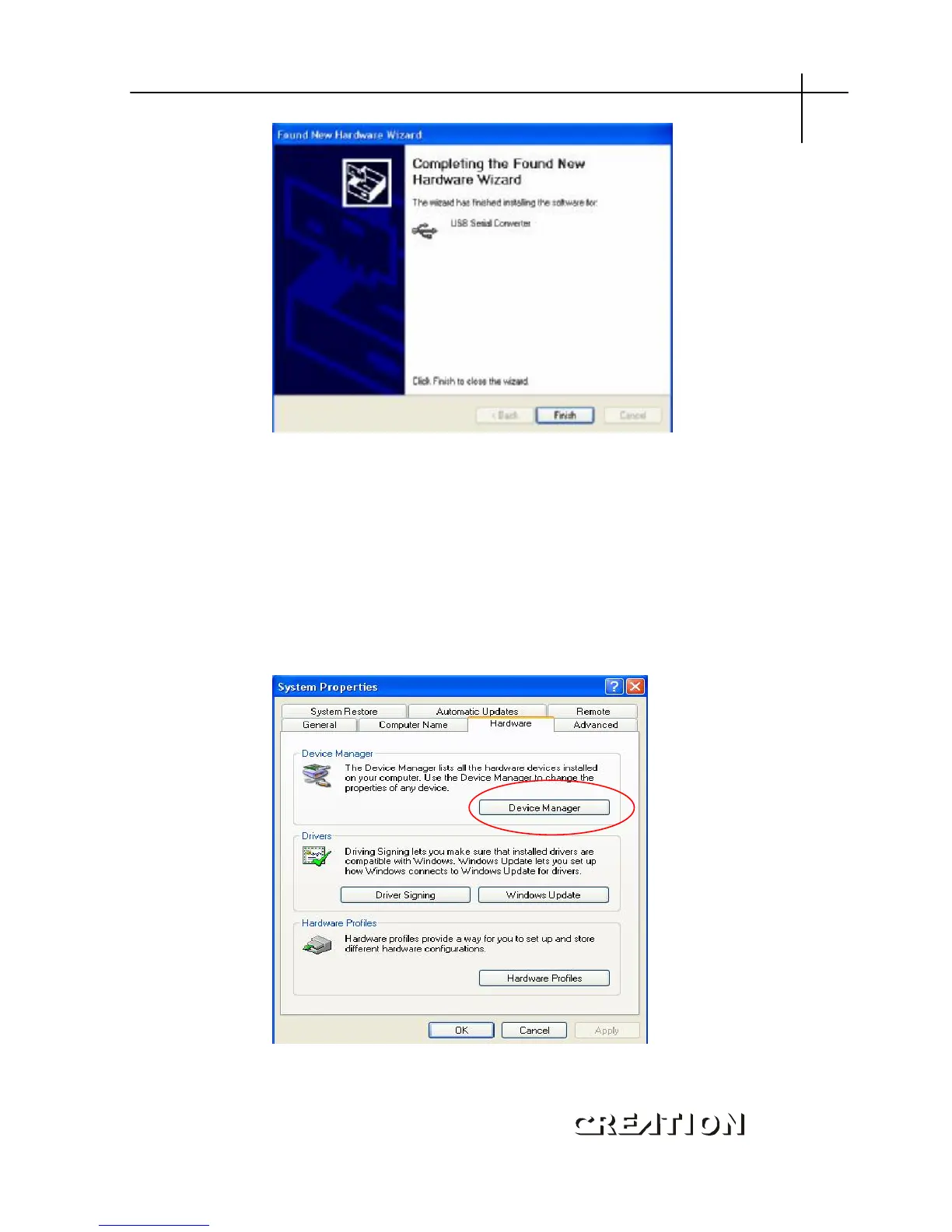
When installation finishes, the screen shown at up appears,
Click [Finish] , and Finish installing.
Default USB port is COM:3 , some old version of sign
soft-wave, no support USB, like “WenTai” ,only support COM:1 and
COM: 2 , solution is follow:
Log “system Properties” , log ”Device Manager”,
PCUT SERIES USER
‘
S MANUAL USB instructions



 To Next Page