6.2 Basic Operation
CAUTION
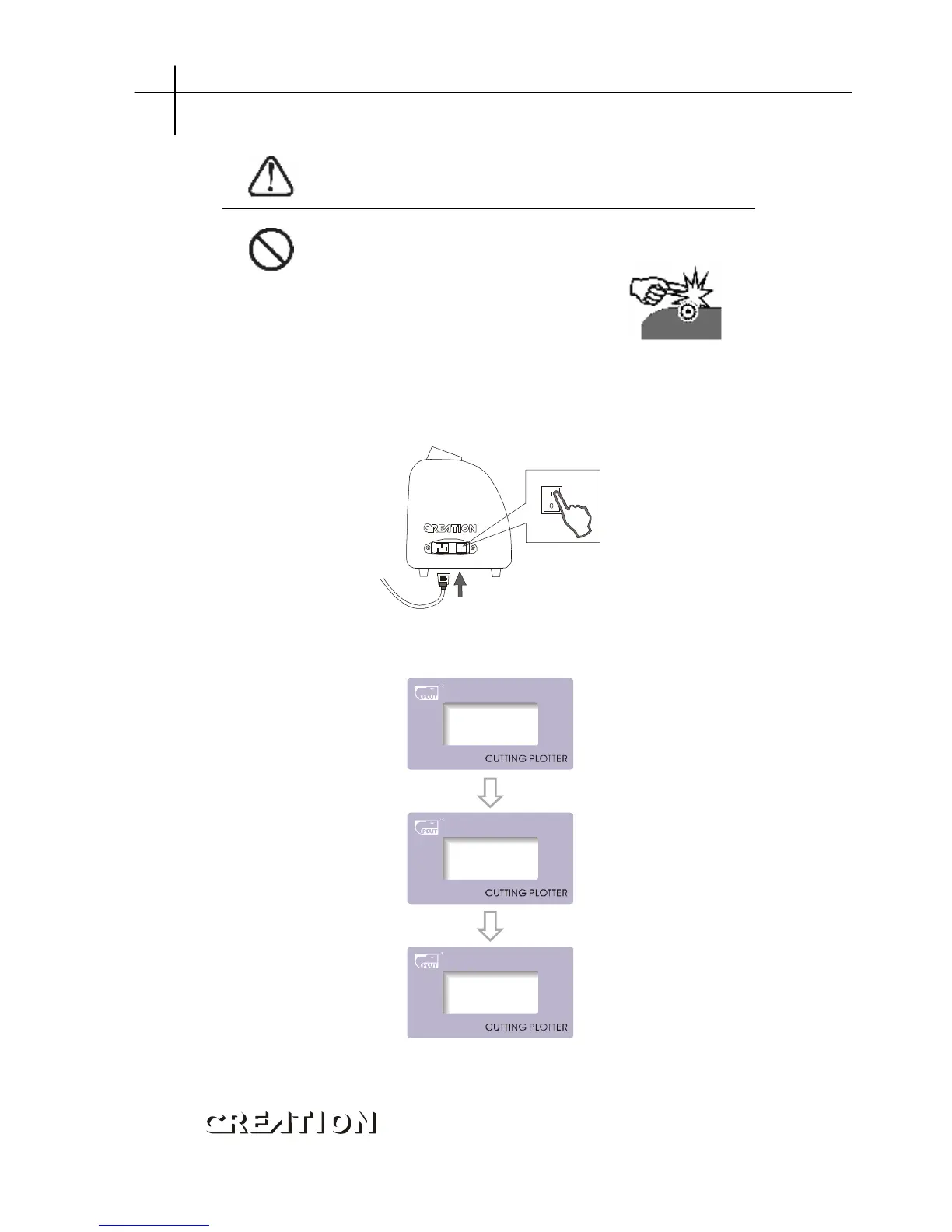
When switching on the power, make sure your hands and other
articles are out of reach of such running parts as
main shaft and slider to prevent injury。
6.2.1 Turn on the machine
6.2.1.1 Check whether the power is in OFF position.
6.2.1.2 Plug the cable into the receptacle of the host power source, press the power
on/off on the left。
6.2.1.3 LCD in the control panel is ON and displays the initializing process of the
host and shows following information:
6.2.1.4 When the initializing is over, the machine is in online state and connectable
with the computer to be operable。



 To Next Page