3.Basic operation
3.1 Installation and connections
WARNING
Make sure this machine is grounded, otherwise electric shock or
mechanic default is possibly resulted in。
Do not use the power source not meeting rating voltage Using
the wrong power source may result in fire or electric shock。
Do not put out the plug when the
power is on to avoid damage to the
machine。
Place the machine on a stable
surface, otherwise the machine
may fall therefore get damaged。
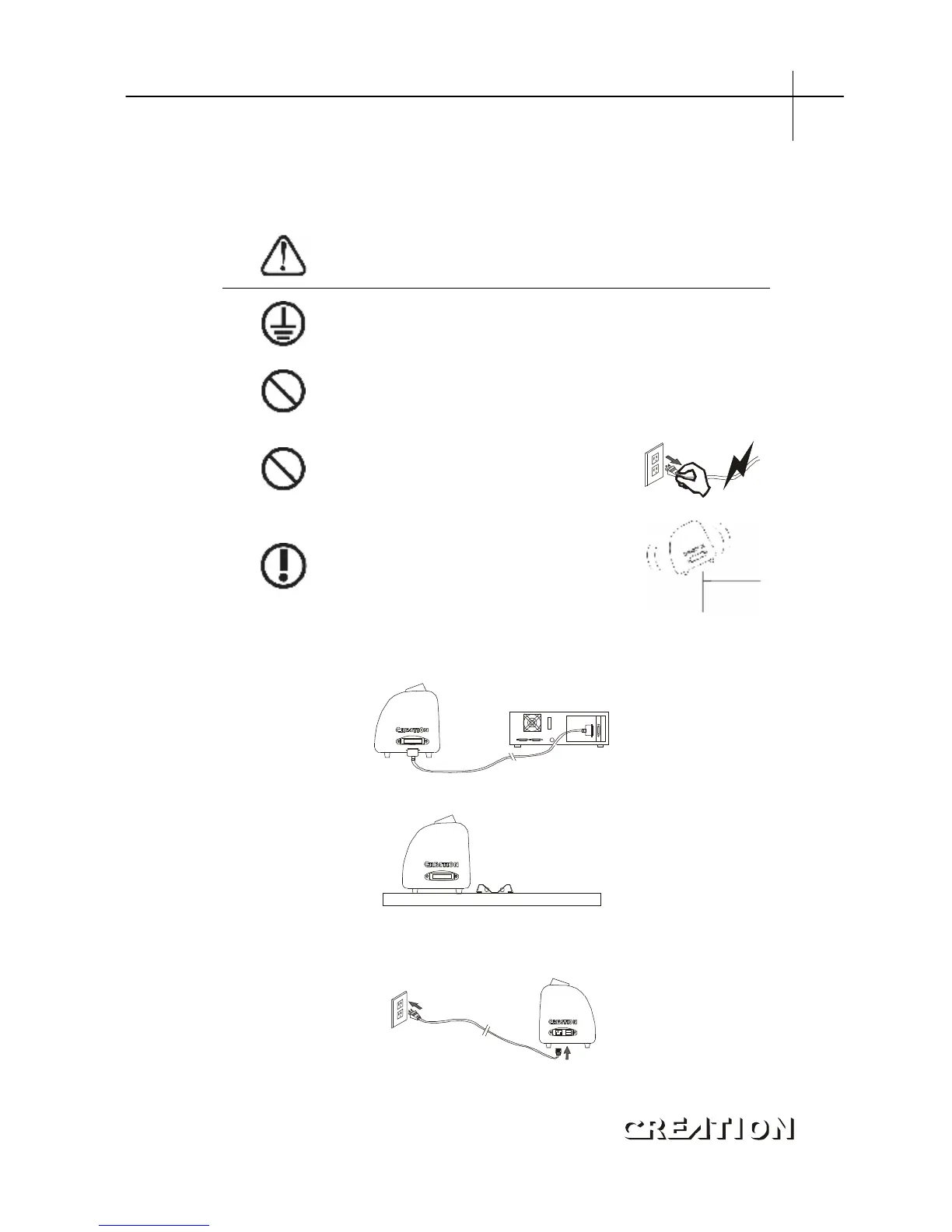
3.1.1 Place the cutter in a plane and roomy place。
3.1.2 Connect signal cable to COM1 or COM2 port of the computer host。
3.1.3 Place the bracket behind the host, ensure it is parallel to the host。
3.1.4 Check voltage of the power source and whether it is grounded, do not
connect to power until all are in a good condition。
PCUT SERIES USER
‘
S MANUAL Basic operation



 To Next Page