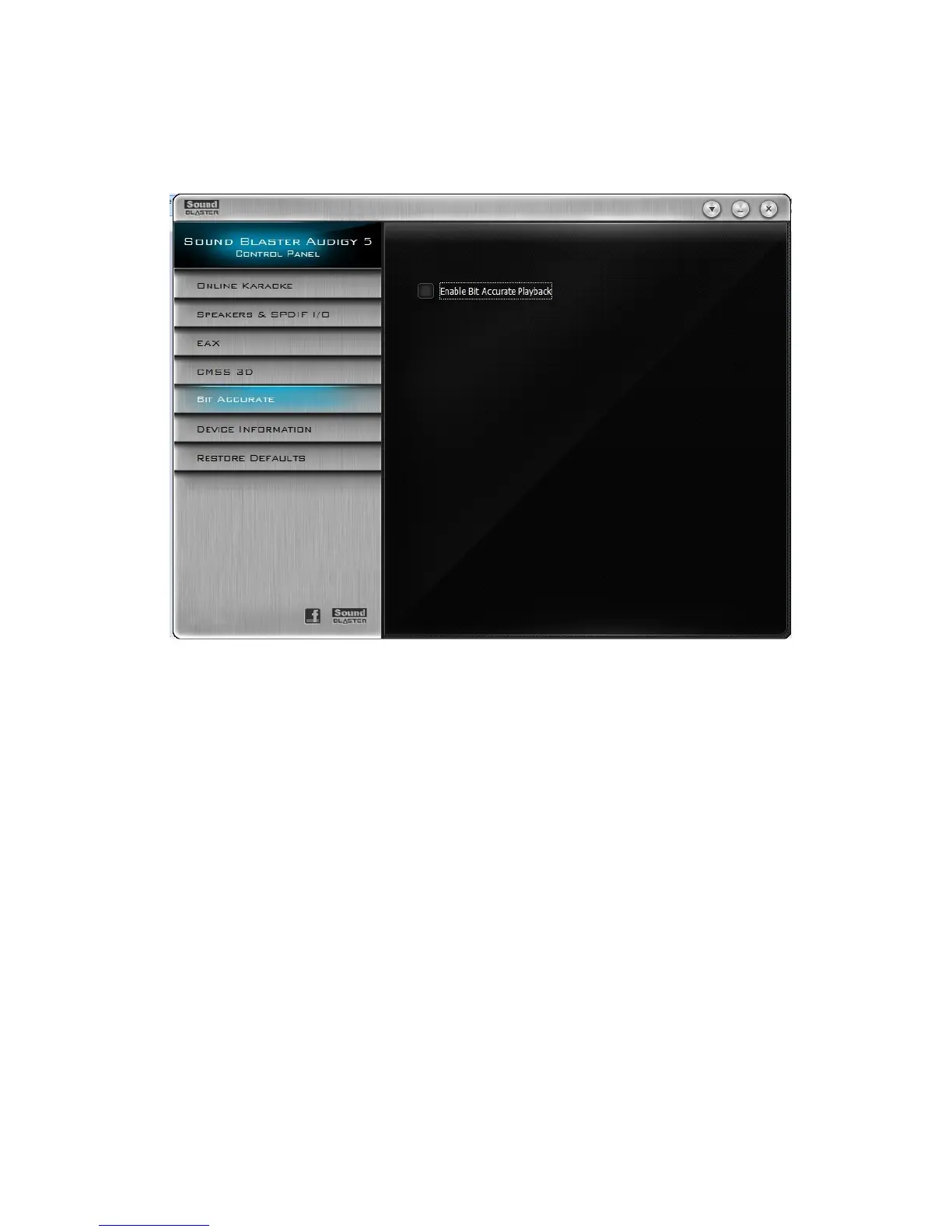
Bit Accurate Settings
Enabling Bit-Accurate mode allows you to play back audio data directly from the source without any
audio enhancements or modifications.
Enabling bit-accurate mode during playback
1. Click the Bit Accurate tab.
2. Click the Enable Bit-Accurate Playback checkbox.
Notes
1. Bit-Accurate mode is only applicable to WAV files with the following specifications:
l Stereo format
l PCM audio data
l 16-bits and above
l 44.1, 48 or 96 kHz
2. Once Bit-Accurate playback starts, the digital output sampling rate is automatically set to the cur-
rent playback's sampling rate.
3. When Bit-Accurate mode is applied to the playback, adjusting the volume control or applying EAX
effects will not have any effect on digital output signals.
Using Your Sound Blaster Audigy 5 Control Panel 34









 To Next Page