Product Guide 7
English
Step 3: Installing the Software
To install the SB Live! Player 5.1 software, follow these steps:
1. Turn on your computer.
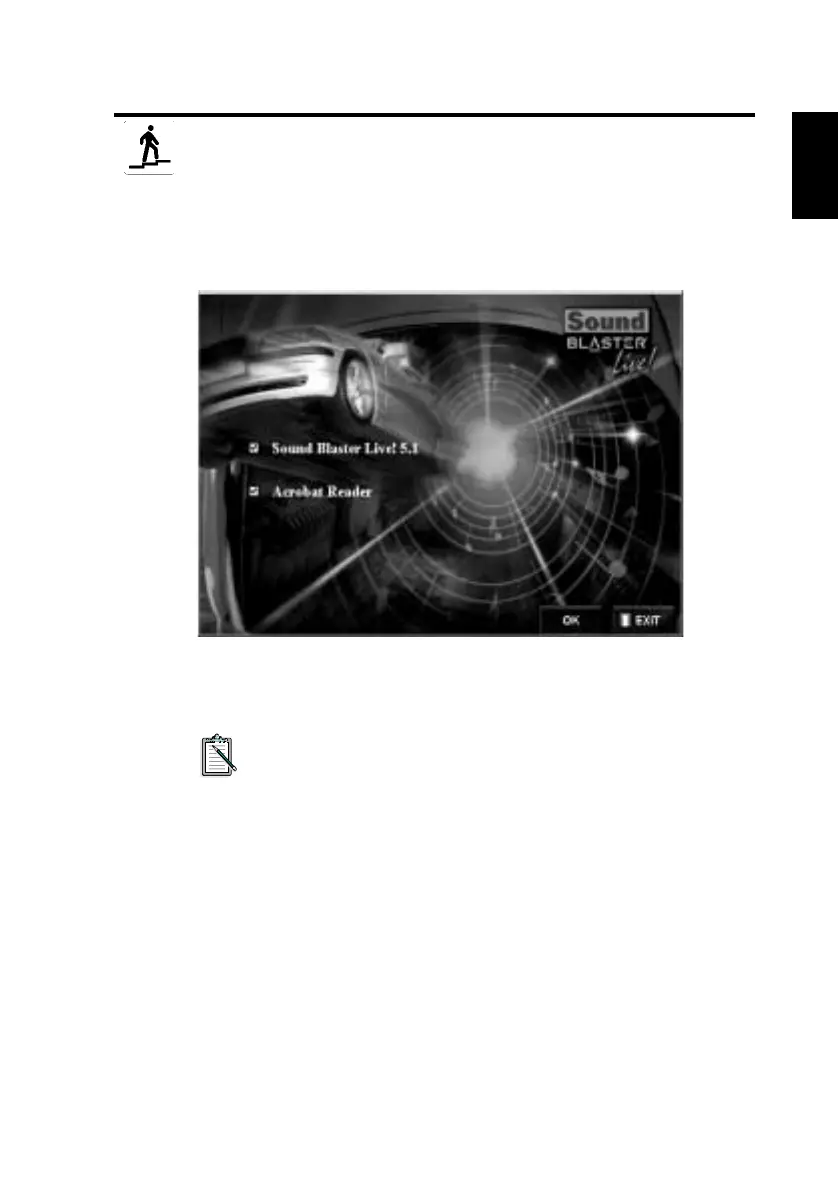
2. Insert the installation disc into your CD-ROM drive, Windows
starts and the following screen appears.
3. Click OK.
4. Follow the instructions on screen to install the software.
If you need more detailed information on the installation and
usage of your SB Live! Player 5.1 card, refer to the online
guide, SB Live! Player 5.1
User’s Guide
on your
installation CD.
In Windows 95/98/NT 4.0, 2000 and ME double click the .exe file
in
D:\MANUALS\ENGLISH\
The Acrobat Reader 4.05 is now installed. Double-click the
icon and select
File
,
Open
D:\MANUALS\ENGLISH\ENGLISH.PDF
to access the online Guide.








 To Next Page