Using Your Player 3-19
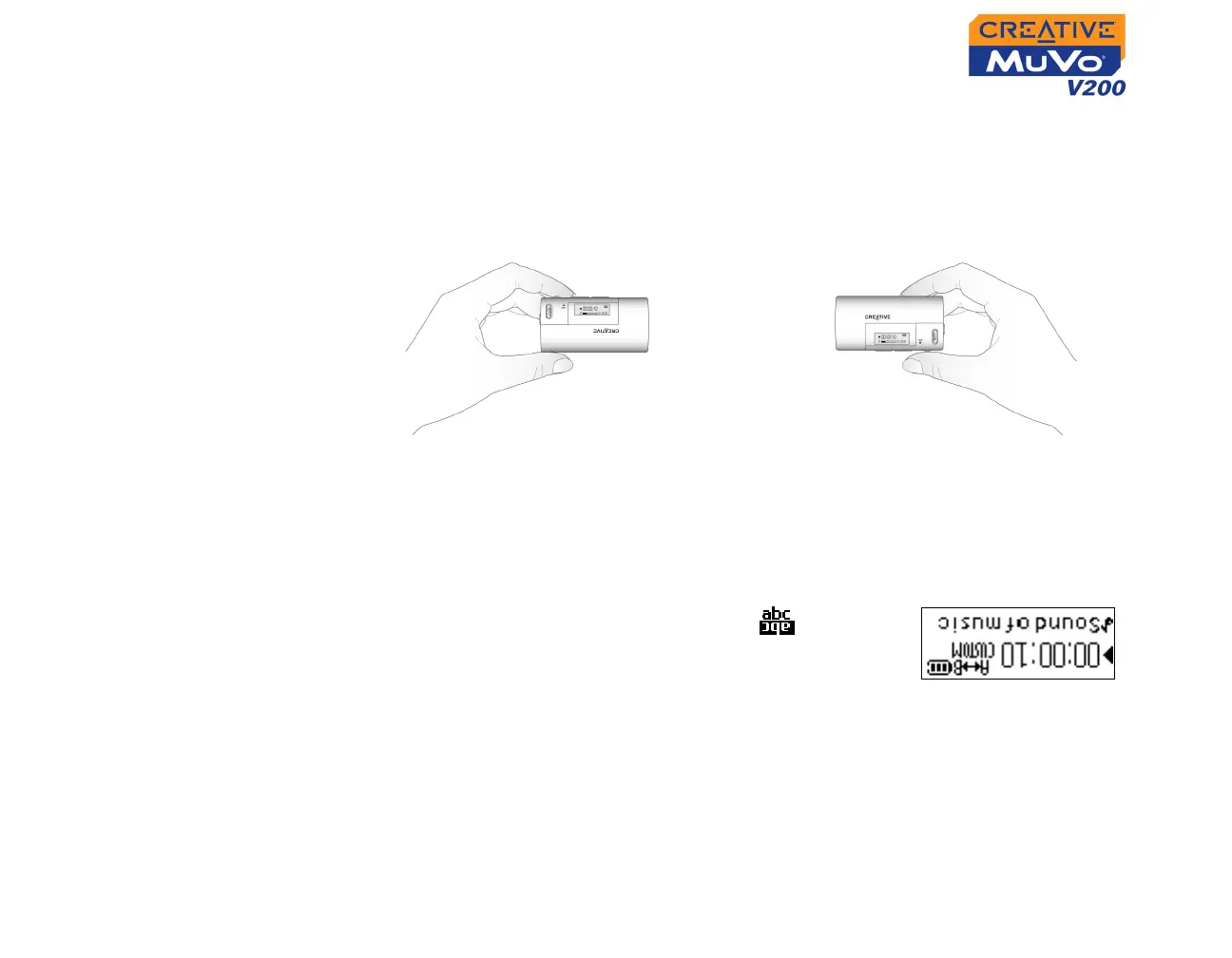
To rotate the LCD screen 180 degrees
Your player has a handy feature: you can rotate the LCD screen by 180
degrees. This may be useful for left-handed users. Follow the step below to
rotate the LCD screen on your player.
Scroll Select the LCD Orientation icon .
The LCD screen rotates 180 degrees (Figure 3-46).
To adjust the screen backlight duration
1. Scroll Select the Backlight icon.
2. Scroll Select the backlight duration or disable it. A lower number setting
conserves battery power for longer playback time.
Using your left hand Using your right hand
Figure 3-46













 To Next Page