User Manual for Handheld Pulse Oximeter
15
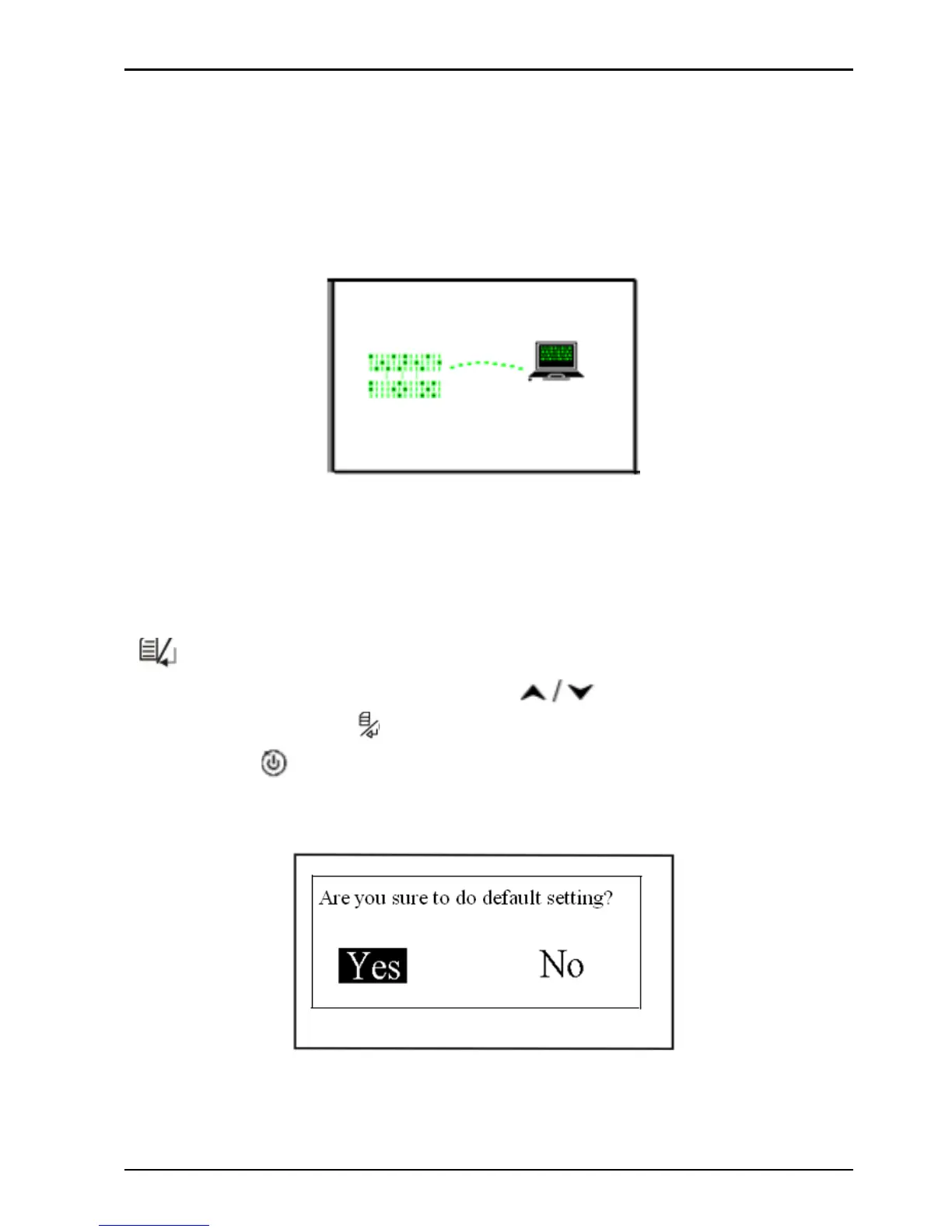
When you transmit data (SpO
2
and PR values) to your computer,
please let the oximeter stay in connecting status. Do the
following operation by the instruction in “Oximeter Data
Manager User Manual”. The data uploading will be activated.
Figure 4-5 Connecting Status Screen
4.4.3 Default
On the menu screen, select "Default " and then short time press
"
"key for entering into default setting screen (as shown in
Figure 4-6). Press the Navigation "
" key to choose "Yes"
or "No", and press "
" mode/OK key to confirm or exit. Short
time press "
" power/back key to return to the previous menu
screen.
Figure 4-6 Default Setting Screen



 To Next Page