User Manual for Handheld Pulse Oximeter
4
2 Installation of Battery and Holder
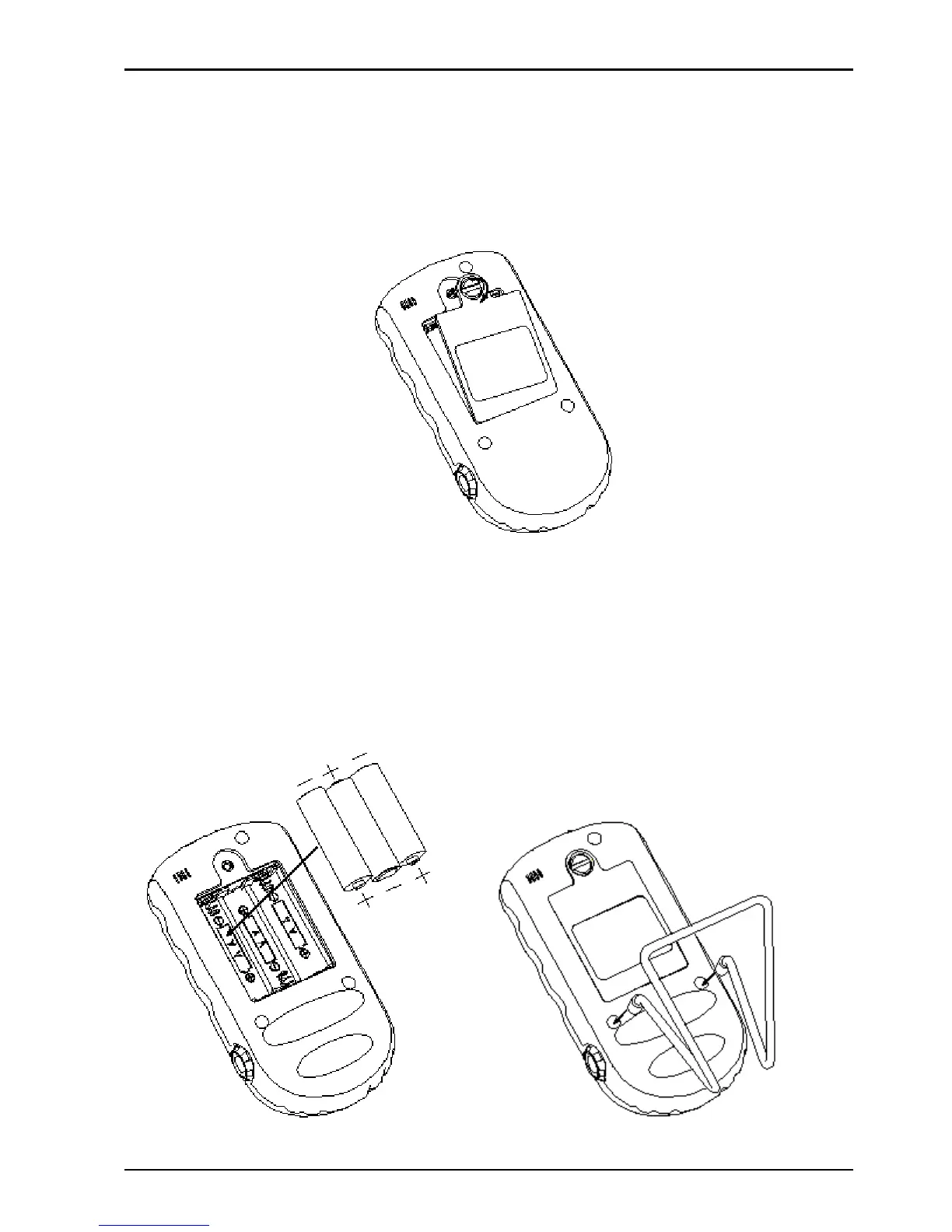
1)Open the rear panel with coin or an ordinary flat
screwdriver, as shown in Figure 2-1.
Figure 2-1
2
)
AAAlkaline batteries or Lithium battery (optional):
①
If AA alkaline batteries (non-chargeable) are provided, then
according to the polarity mark, insert three AA batteries into
battery house, as shown in Figure 2-2.
Figure 2-2 Figure 2-3 Fixing Holder



 To Next Page