User Manual for Handheld Pulse Oximeter
19
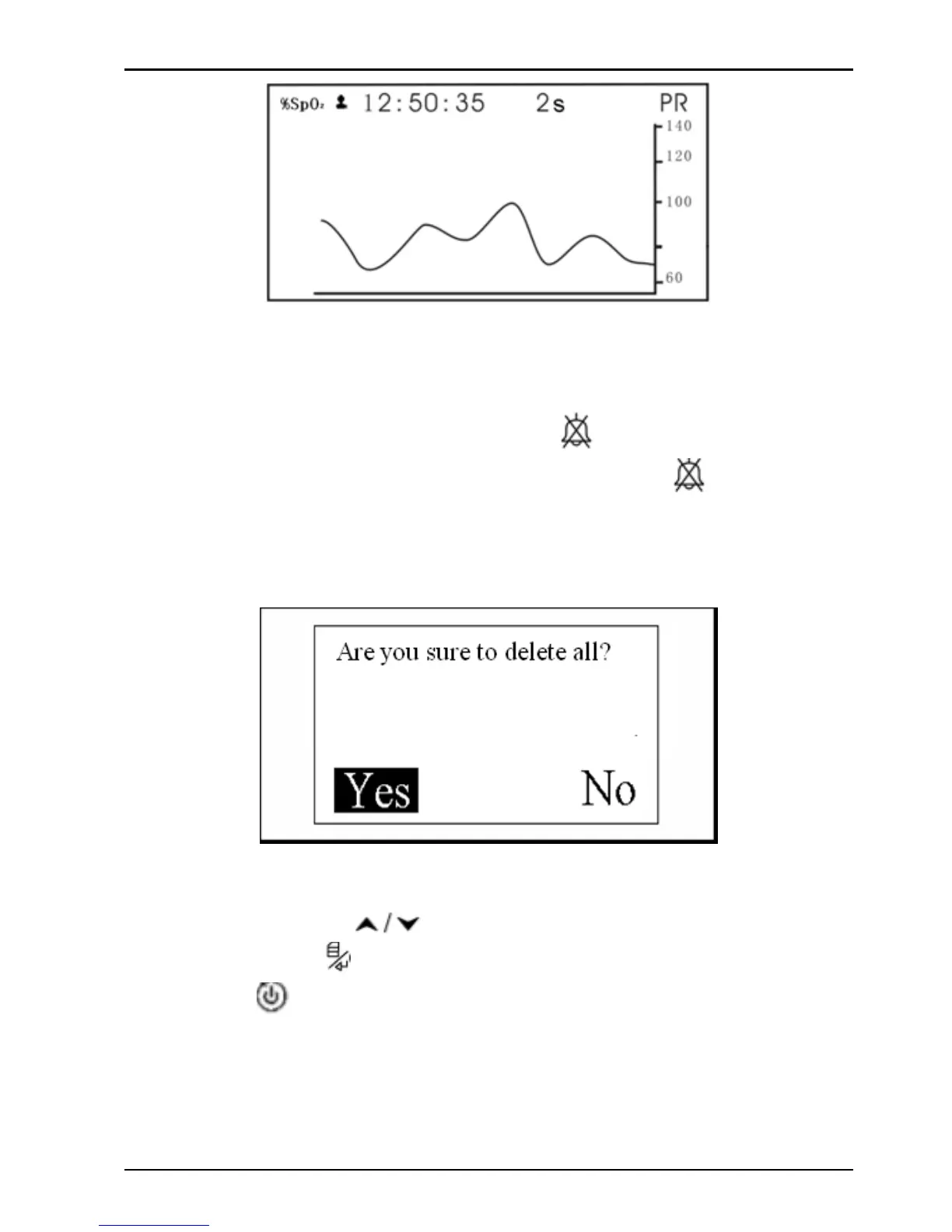
Figure 4-9C Trend Graph Display Screen
4.5.2 Data Deletion
On the menu screen, longtime press “ ” key and the records
list will appear. At this time, longtime pressing “
” key again,
an message “Are you sure to delete all?” prompts on the screen,
as shown in Figure 4-10.
Figure 4-10
At this time, press "" navigation key to select “Yes” or
"No", and press “
” mode/OK key to confirm or exit. Or short
time press "
" power/back key to return to record list screen.



 To Next Page