User Manual for Wrist Oximeter
-8-
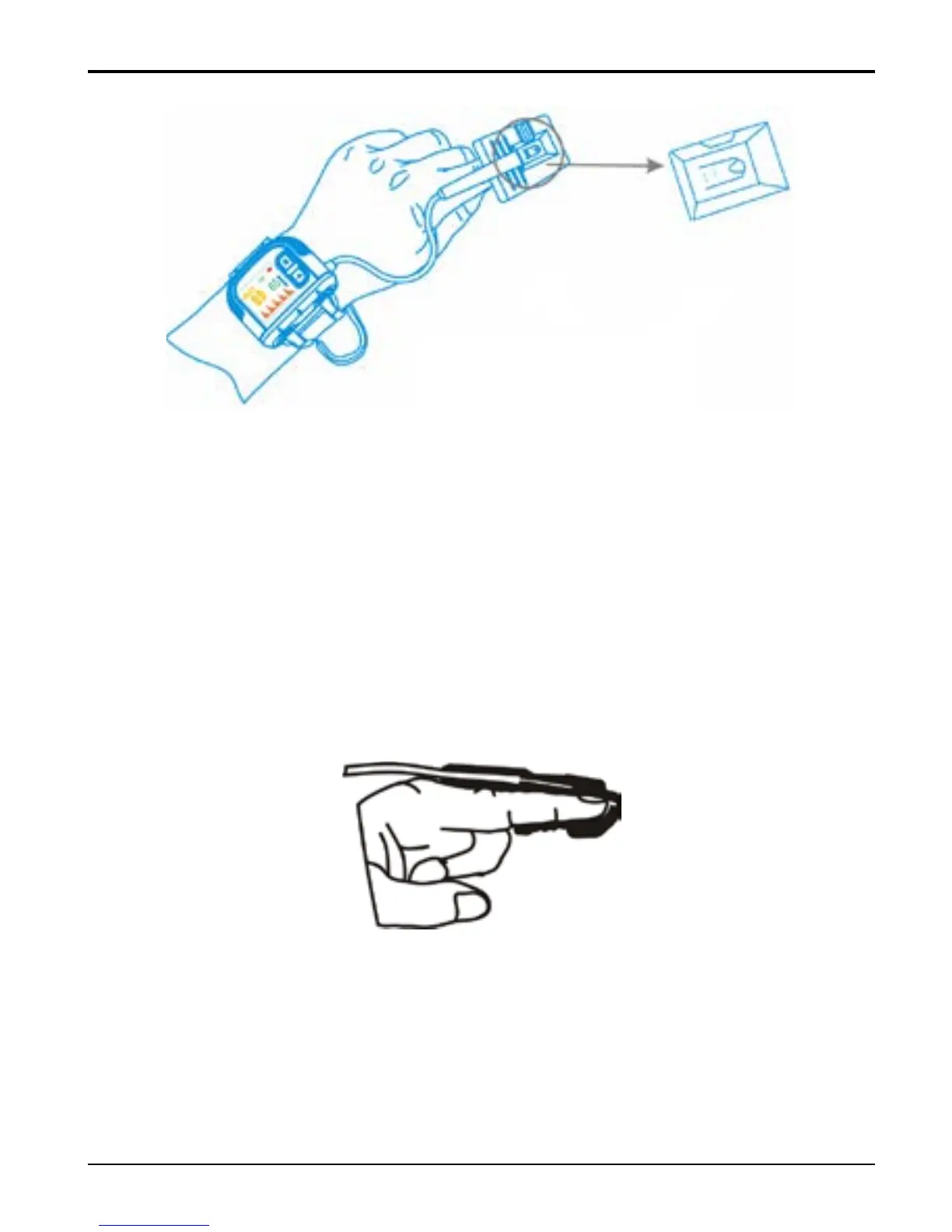
Figure 6 Placement Demonstration
4. Next, insert your index finger into the probe until the
fingernail tip rests against the stop at the end of the probe
(Figure 7). Adjust the finger to be placed evenly on the
middle base of the sensor (make sure the finger is in the
right position). If the index finger cannot be positioned
correctly, or is not available, other finger can be used.
Figure 7
Finger tip sign



 To Next Page