User Manual for Wrist Oximeter
-21-
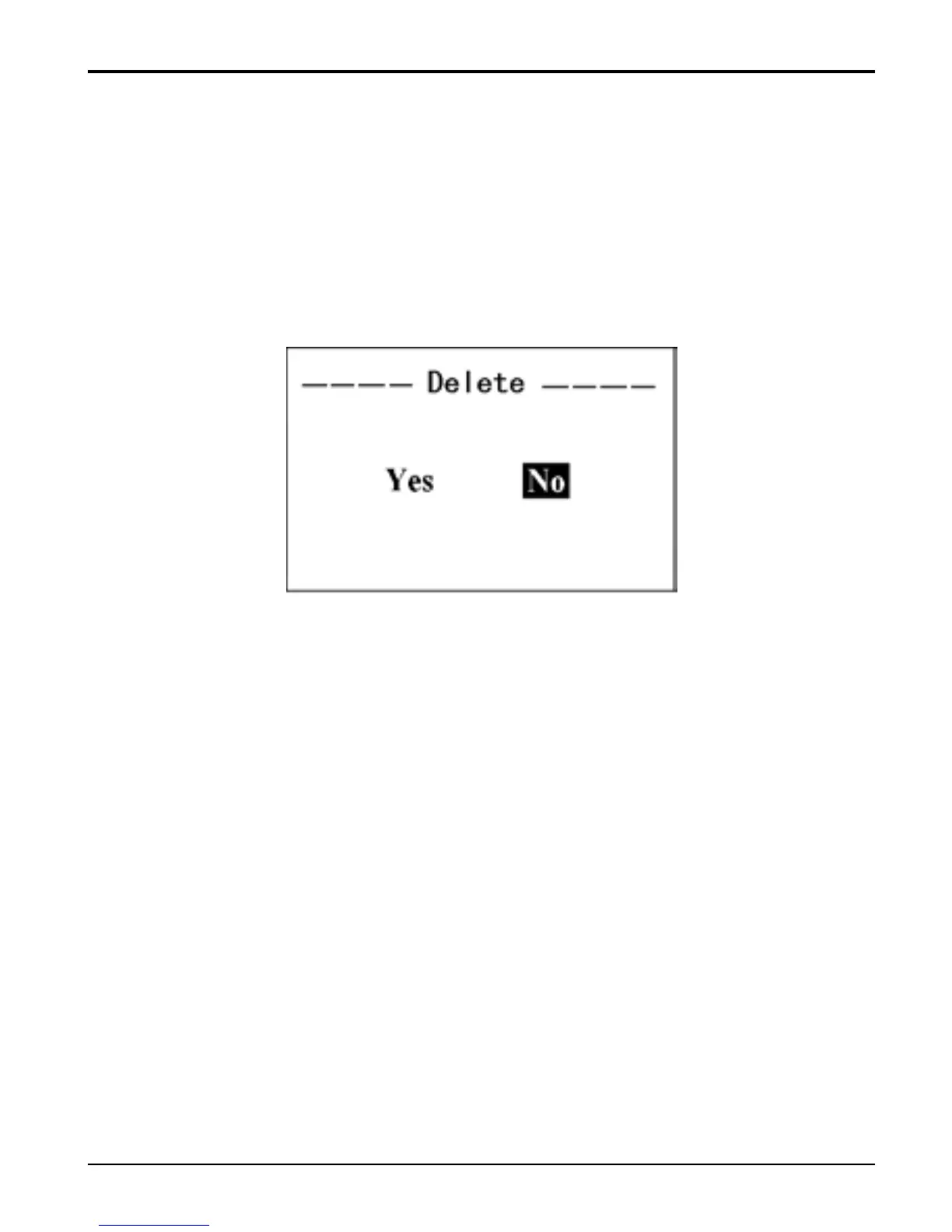
3.2.5 Delete Data
On menu screen, select “Delete Data” and press “■” key
to enter into Deletion Confirmation screen. Then, select
“Yes” with “▲” key(short time press), after short time
pressing “■” key, all the records will be deleted.
Figure 17 Delete Records
3.3 Upload Data
Before uploading the data to PC, please quit from the menu
screen if you are doing the setup or trend view operation.
When start uploading, connect the data cable between the
device and PC, do the following operation by the
instruction in “Oximeter Data Manager User Manual”,
then the data uploading will be activated.



 To Next Page