User Manual for Wrist Oximeter
-1-
1 Overview
1.1 Appearance
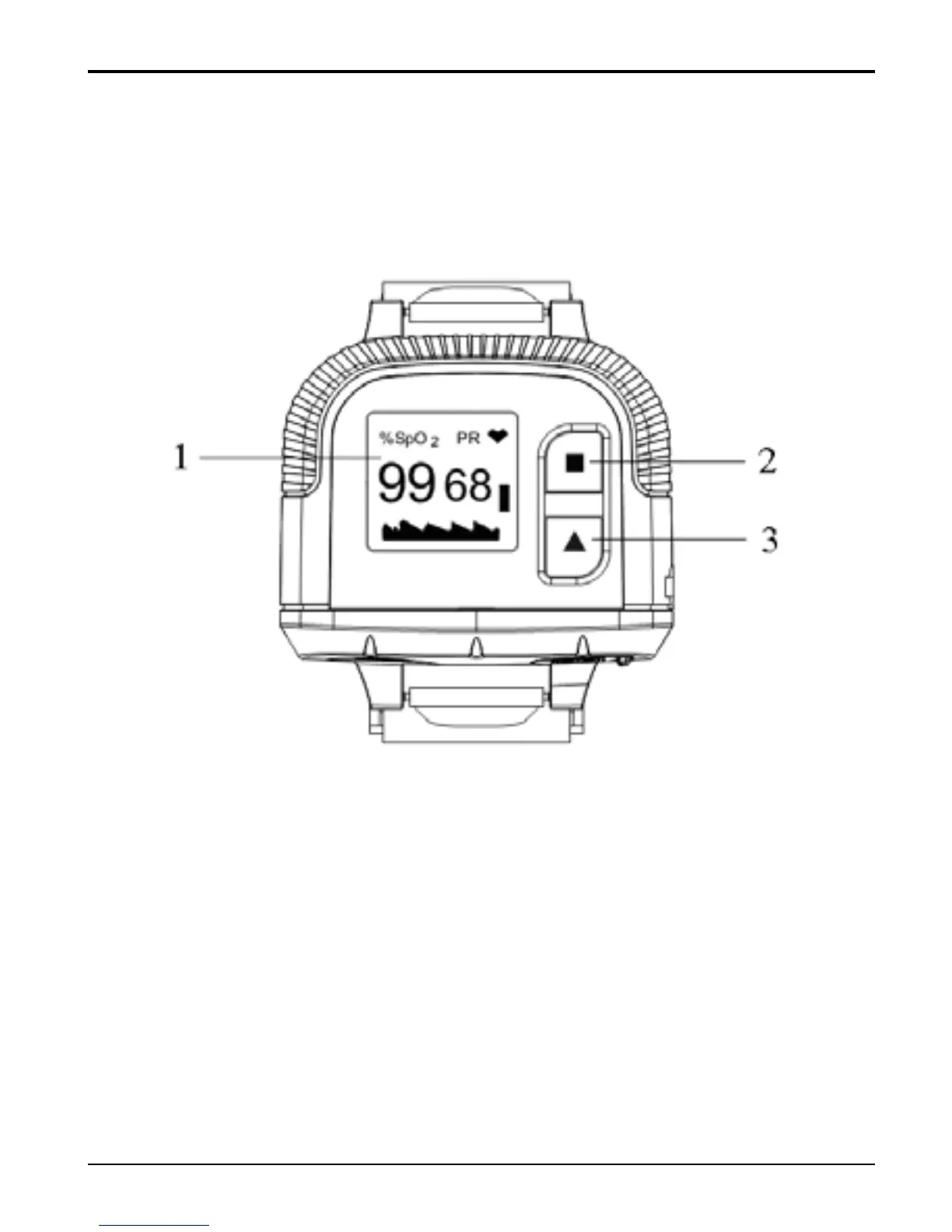
Figure 1 Front View
1. LCD screen
2. Set key: shift display modes, confirm the
operation etc.
3. Scroll key: short press: move display cursor, modify
parameter values etc.
Longtime press: choose display always on or not
which will be effective during measuring.



 To Next Page