User Manual for Wrist Oximeter
-7-
3 Operation
3.1 Measuring Operation
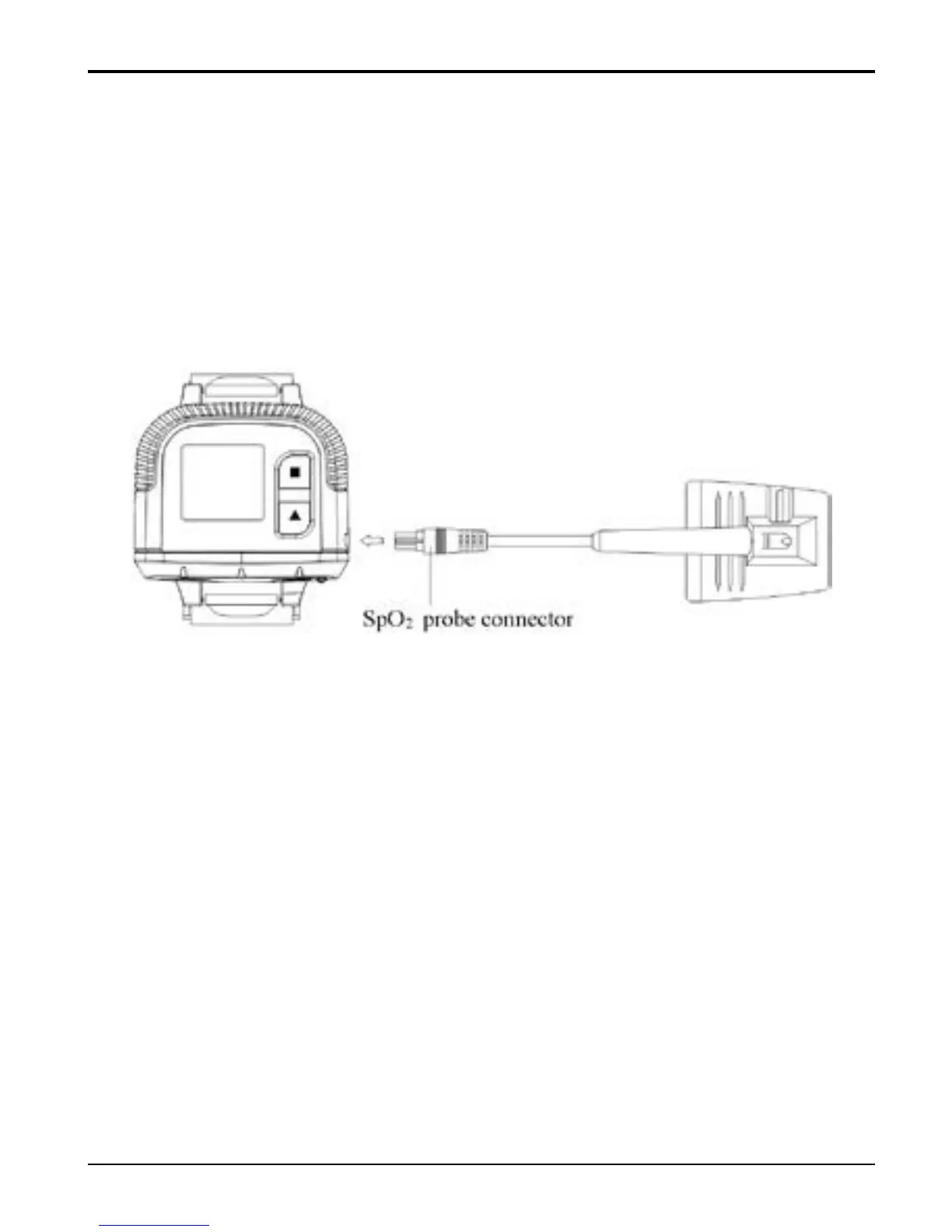
1. Insert the external SpO
2
probe connector into SpO
2
probe receptacle properly.
Figure 5 Sp0
2
Probe Connection
2. Fix the oximeter on your left wrist (Figure 6);
3. Then, hold the probe with its opening towards your
index finger. The probe should be oriented in such a way
that the sensor side with a finger tip sign is positioned on
the top (Figure 6).



 To Next Page