User Manual for Wrist Oximeter
-15-
3.2 Menu Operation
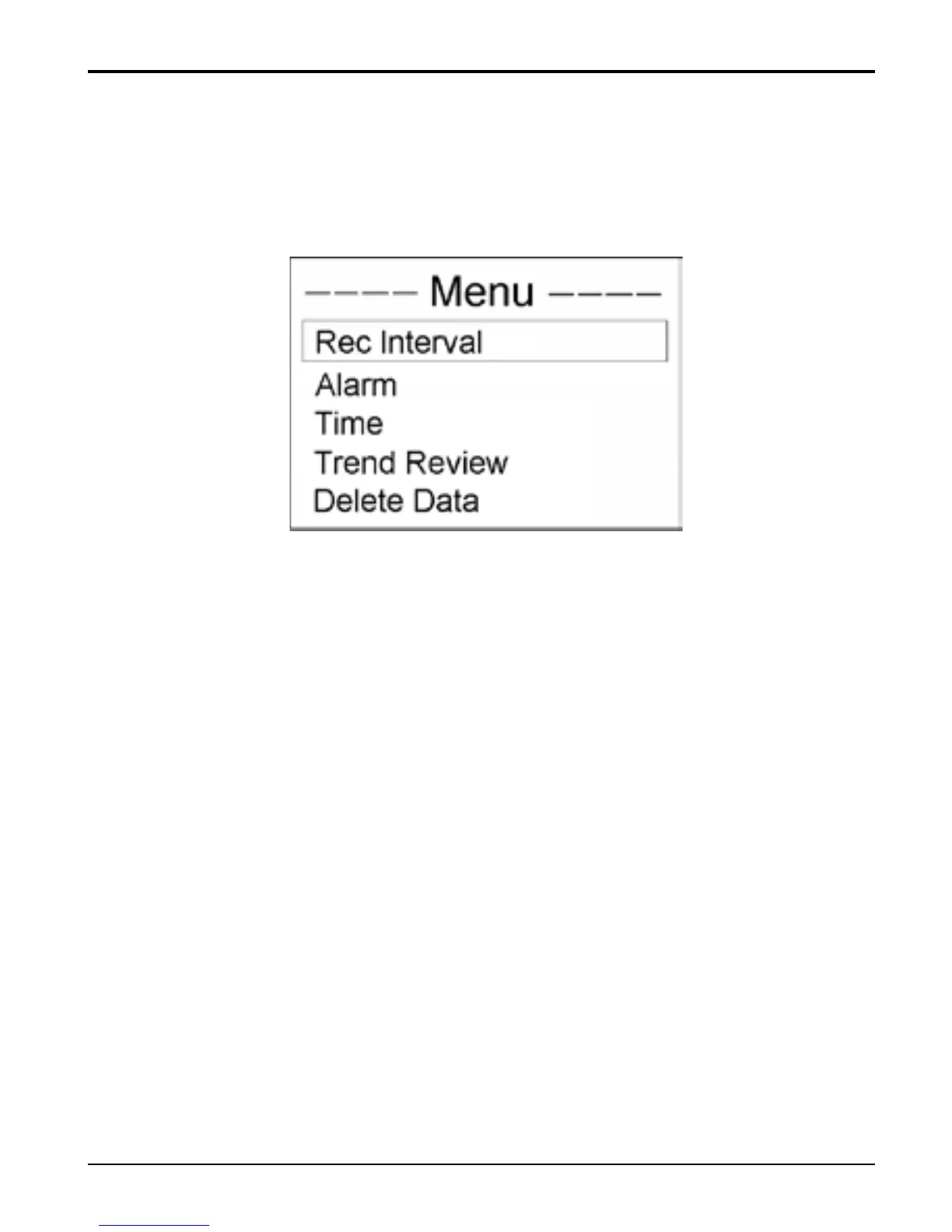
On display screen, longtime press “■” key menu screen
will be displayed on the screen, as shown in Figure 12.
Figure 12 Menu Screen
Rec Interval: set the interval to record SpO
2
and
pulse rate data;
Alarm: set SpO
2
low limit and pulse rate high/low
limit;
Time: set current time;
Trend Review: view SpO
2
and pulse rate trend
graph ;
Delete Data: delete all the records.
Operation Instructions:
Short time press “
▲” key: shift cursor circularly;
Short time press “
■” key: confirm the selection
and enter into the corresponding screen;
Longtime press “
■ ” key: back to the default
screen;



 To Next Page