User Manual for Wrist Oximeter
-16-
3.2.1 Record Interval Settings
On menu screen, select “Rec Interval” and press “
■” key
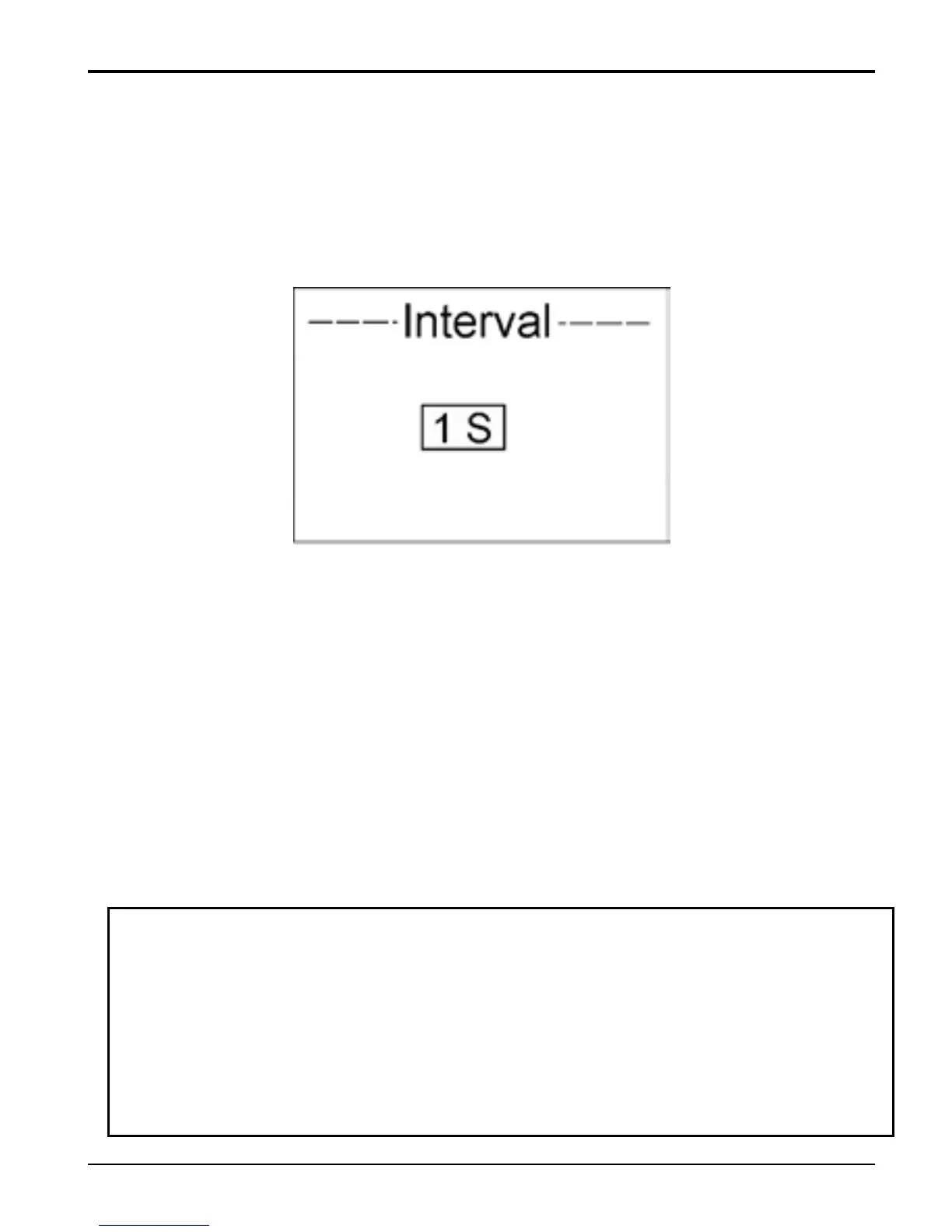
to enter Record Interval Setting screen, as shown in Figure
13.
Figure 13 Record Interval Setting
Operation Instructions:
Short time press “
■” key: active the option;
Short time press “
▲” key: select record interval;
three options: “1s”, “4s” and “8s;
Short time press “
■” key: confirm the selection;
Longtime press “
■” key: back to the menu screen;
Note: The length of data record is limited to 30 seconds
at least, and the maximal length for one record is also
limited to 60 hours (for 1 second interval) , 240 hours
(for 4 second interval) or 480 hours (for 8 second
interval).



 To Next Page