User Manual for Wrist Oximeter
-17-
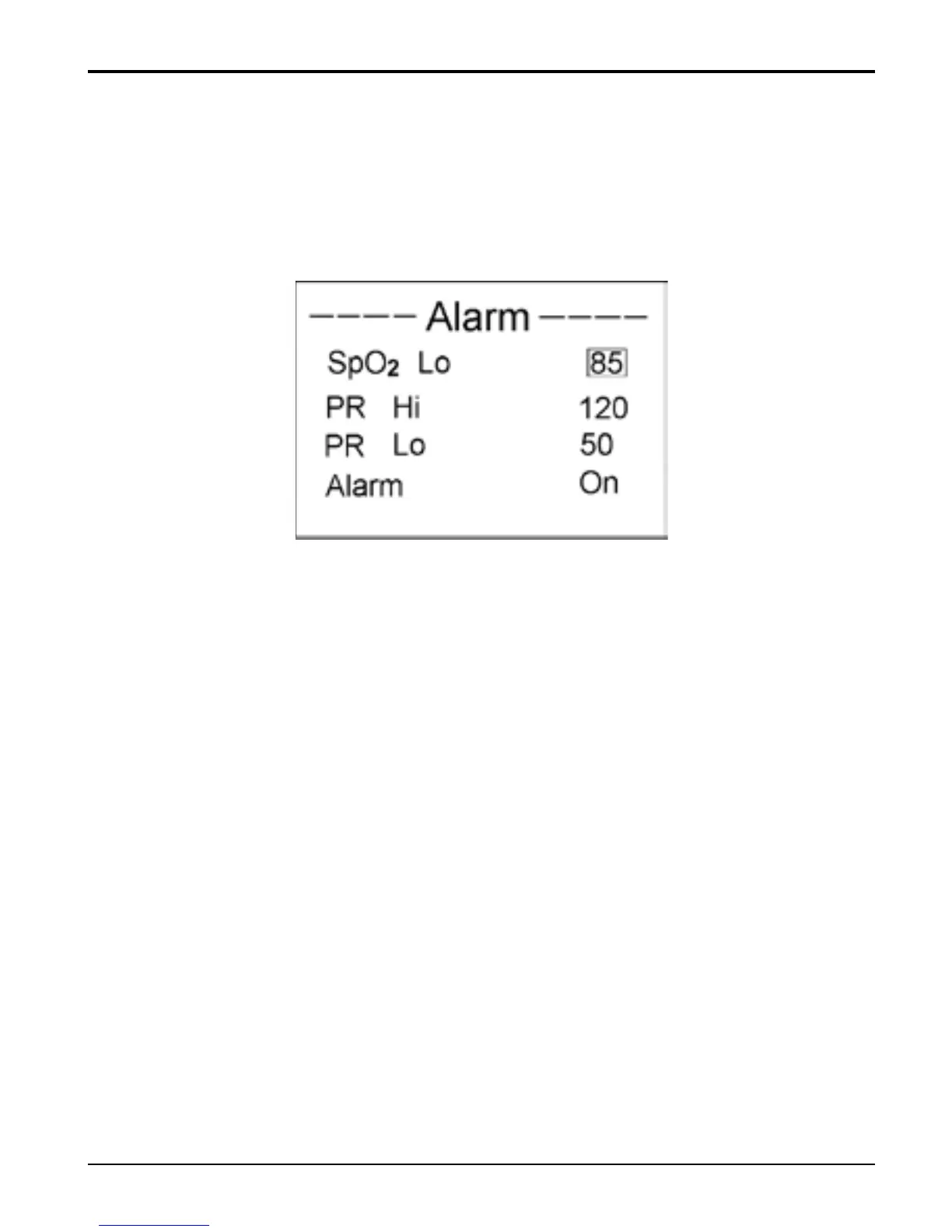
3.2.2 Over-limit indication Settings
On menu screen, select “Alarm Limit” and press “
■” key
to enter Alarm Limit Settings screen, as shown in Figure
14.
Figure 14 Over-limit indication Settings
SpO
2
Lo: set SpO
2
low limit; Setting
range:85%~95%, default setting: 85%;
PR Lo: set pulse rate low limit; Setting
range:25bpm~99bpm, default setting: 50bpm;
PR Hi: set pulse rate high limit; Setting range:
100bpm~250bpm, default setting: 120bpm;
Alarm: enable/disable the audible & visual limit
indication function.
If SpO
2
value or/and PR value exceeds its/their preset
limits during measuring, the oximeter will beep and the
numerical value exceeded limit will flash. Pressing “
■”
key can suspend the current beep sound.



 To Next Page