User Manual for Wrist Oximeter
-10-
Key Operations:
Short time press “
■” key to switch display modes
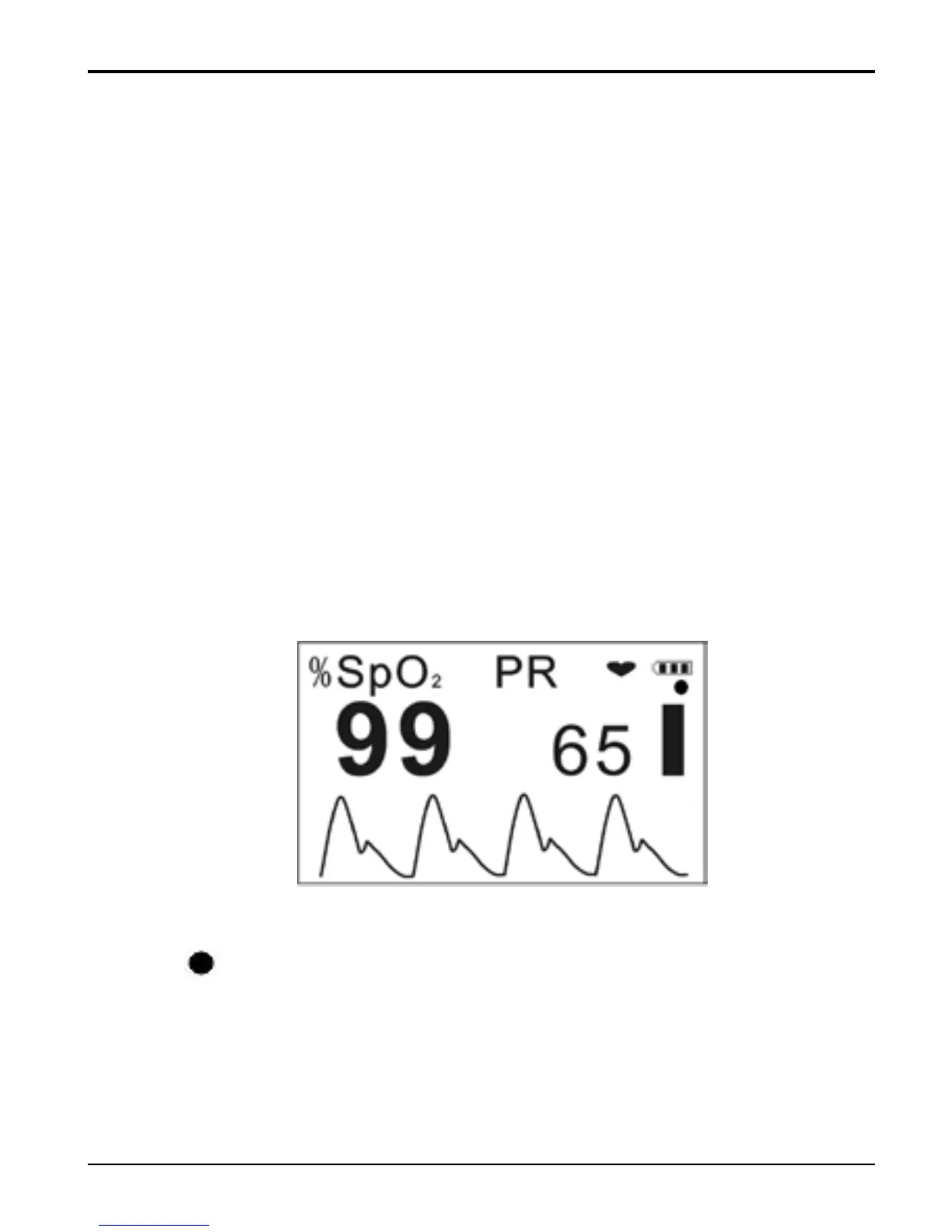
circularly, display screen will be switched among the
screens as shown in Figure 9A, Figure 9C and Figure
9D.
Longtime press “
▲” key: choose display always on
or not which will be effective during measuring. If
you choose display always on, the symbol for
“display always on” will appear on the screen as
shown in Figure 9B.
Short time press “
▲” key, the display screen can
shift 180
Figure 9B
“
”: Symbol for display always on, it indicates that
the LCD screen is always on during measuring. If the
symbol is disappeared, it indicates that the LCD
screen will be off after a period of display time
during measuring for power saving.



 To Next Page