User Manual for Wrist Oximeter
-13-
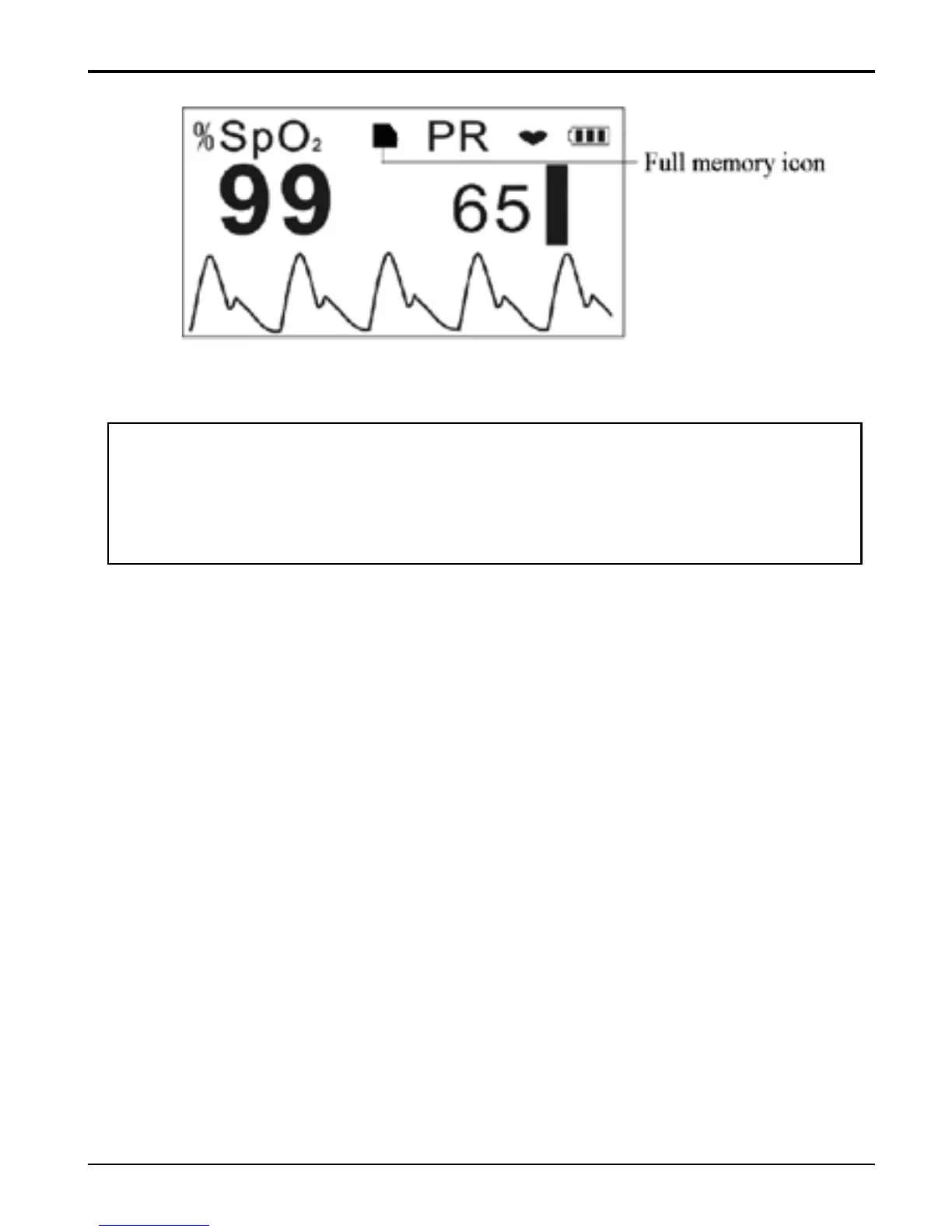
Figure 11 Memory Full
Note: It is suggested that the data shall be uploaded
to computer for saving, or the earliest records will be
overwritten.
Working Mode
The measurement will start automatically when the
finger is inserted into the soft rubber of the sensor, so
the data recording (SpO
2
and PR values) starts
simultaneously as well. The display is as shown in
Figure 9A
During measuring, if the display mode is not display
always on (the symbol for “display always on” is not
shown on screen) and no key button operation for 1
minute, the LCD display will be blank for power
saving even when the measurement and data
recording are still undergoing, but long time pressing



 To Next Page