About Your Camera 2-4
Using the
Multi-Selector
button
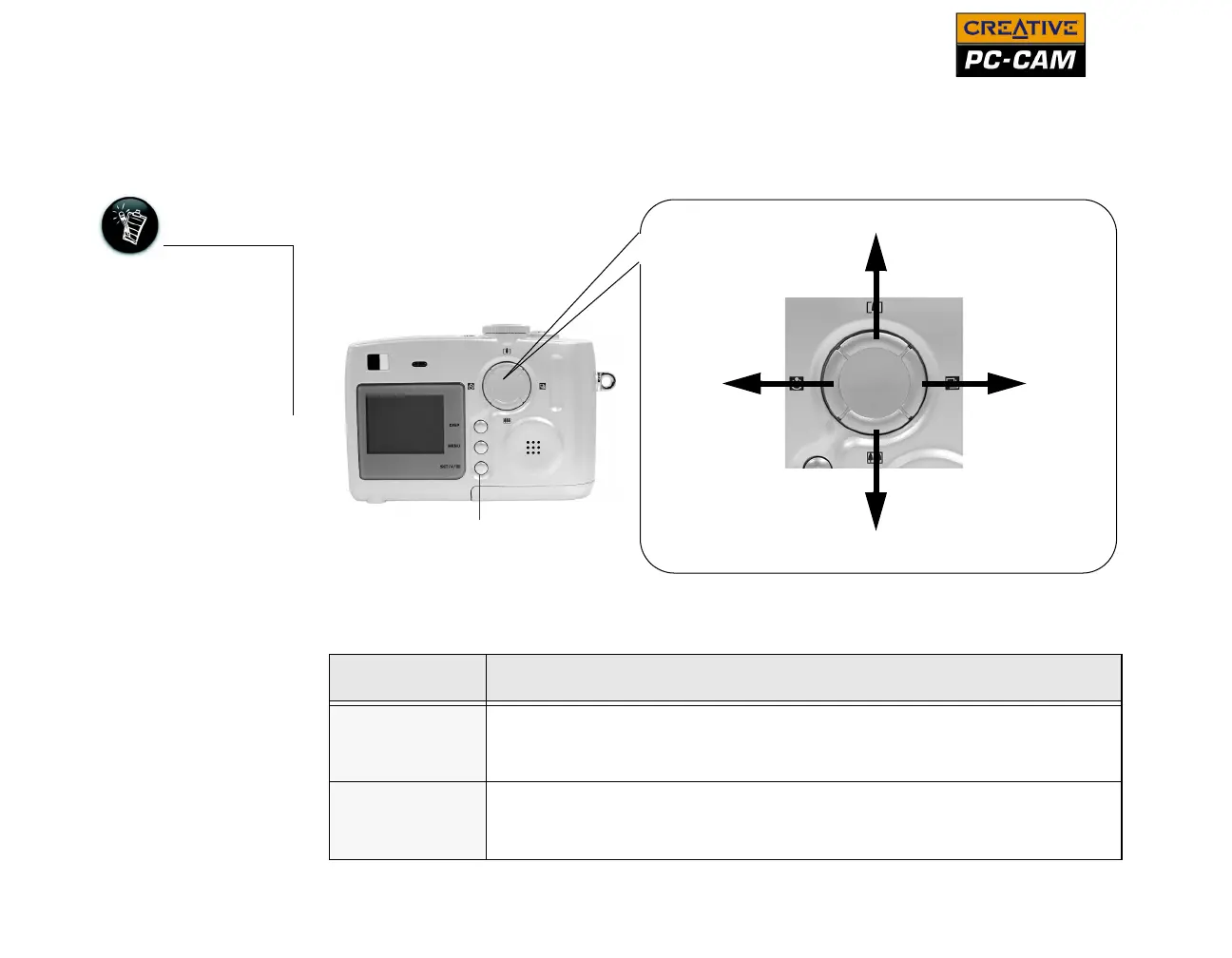
The Multi-selector button is one of the most important features of your camera. Use
the directional keys to locate options on your Onscreen Display (OSD) menu, and
press the Set/Flash/Thumbnail button to select an option.
For more details on
using the
Multi-Selector button
with your Onscreen
Display menu, see
"Using Creative PC-
CAM 900 as a Digital
Camera" on page 3-1.
Key Description
Up
❍ Playback mode: zoom in on displayed photo, or highlight menu
options
❍ Auto or Manual Photo mode: zoom in
Down
❍ Playback mode: zoom out of displayed photo, or highlight menu
options
❍ Auto or Manual Photo mode: zoom out
Up Key
Down Key
Left Key Right Key
Figure 2-4: Multi-Selector button
Set/Flash/Thumbnail
button



 To Next Page