About Your Camera 2-9
Windows 98 SE 1. Wait at least 10 seconds after all file
transfers are completed, or until the
LED indicator turns green.
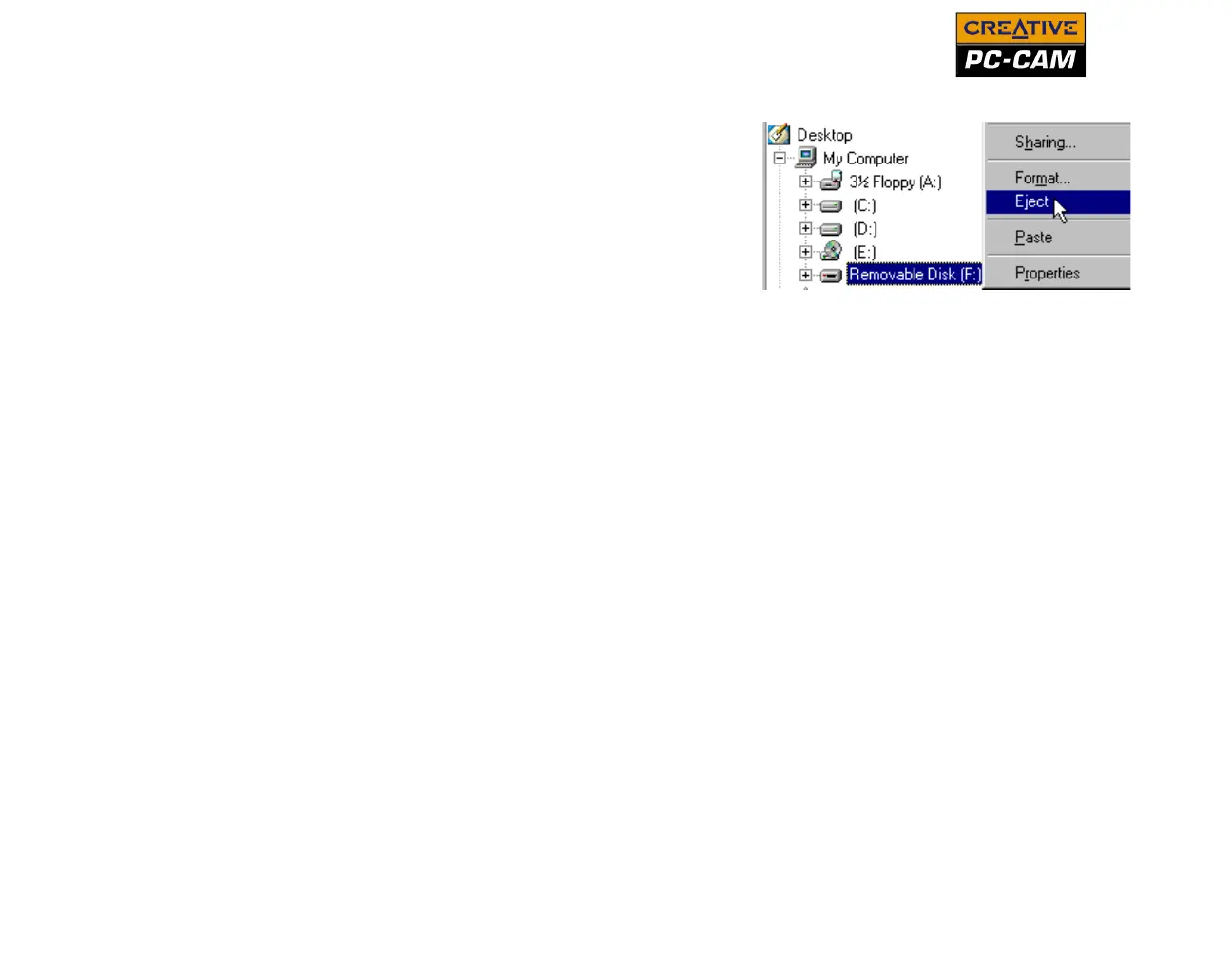
2. In Windows Explorer, right-click the
Removable Disk icon and click Eject.
3. Unplug your camera after 10 seconds.
Figure 2-10: Disconnecting your camera in
Windows 98 SE



 To Next Page