A Tour of Your Player 1-2
Button What It Does Usage Tips
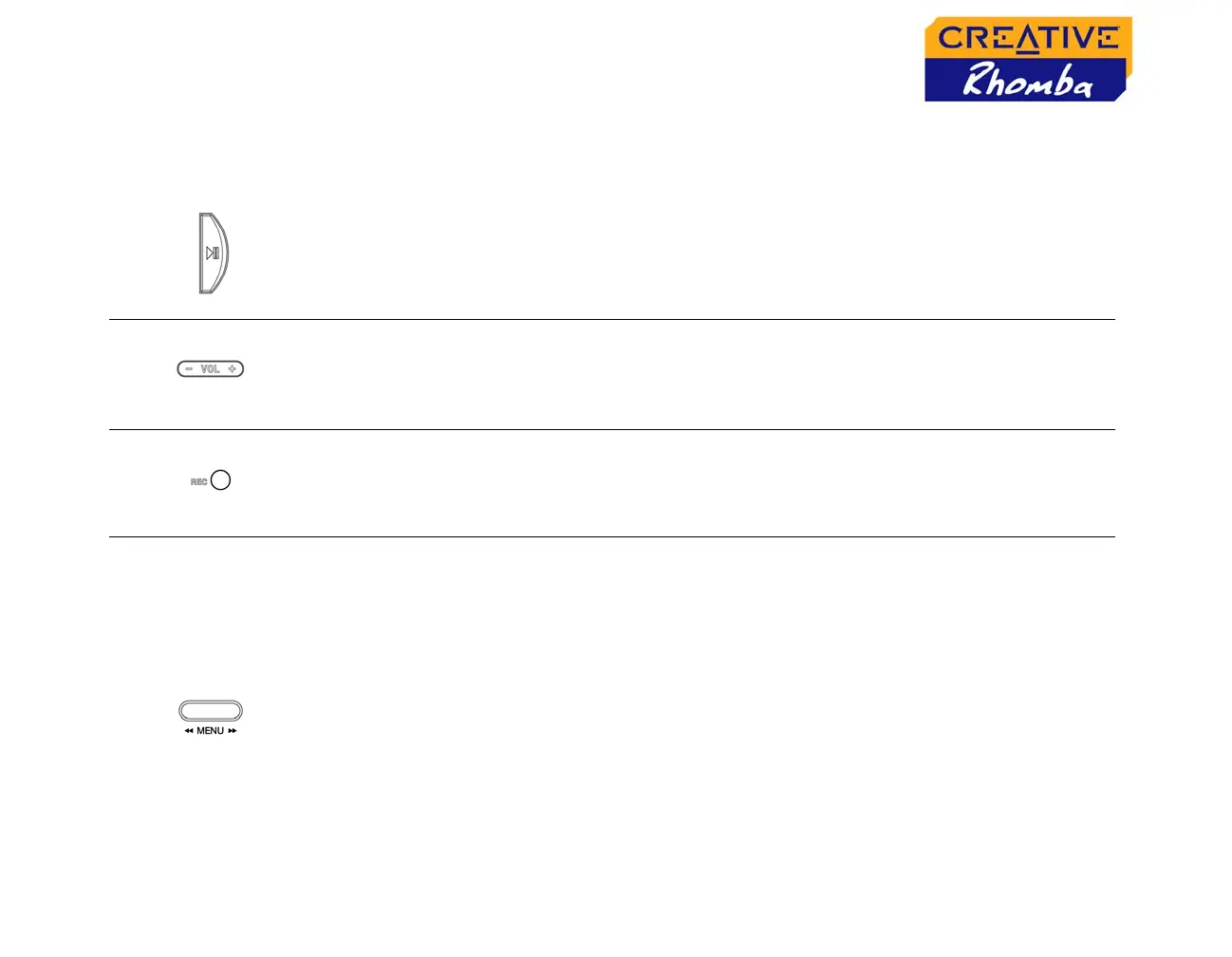
PLAY/PAUSE
❍ turns the player on and off
❍ starts, pauses or continues playback
❍ changes FM radio presets
❍ stops recording (for FM radio recording
only)
❍ press and hold until player turns
on or off
VOLUME
❍ increases and decreases the volume
❍ press and hold the "+" or "–"
buttons to increase or decrease
the volume quickly
RECORD
❍ records voice or FM Radio channels
❍ in Voice or FM Radio mode,
press to start or stop recording
MENU SCROLLER
❍
starts or stops playback
❍ goes to the previous or next track
❍ moves ahead or moves back
❍ scrolls through menu options
❍ selects menu options
❍ changes FM radio frequencies
❍ during playback, turn the Menu
scroller to go to the previous or
next track
❍ during playback, turn and hold
the Menu scroller to move ahead
or move back
❍ during playback, press the Menu
scroller to stop playback
❍ turn the Menu scroller to scroll
through menu options and press
the Menu scroller to select them
(for more information, see "Using
the Menu Scroller" on page 1-4)












 To Next Page