Getting Started 2-3
Power Level
Indicators
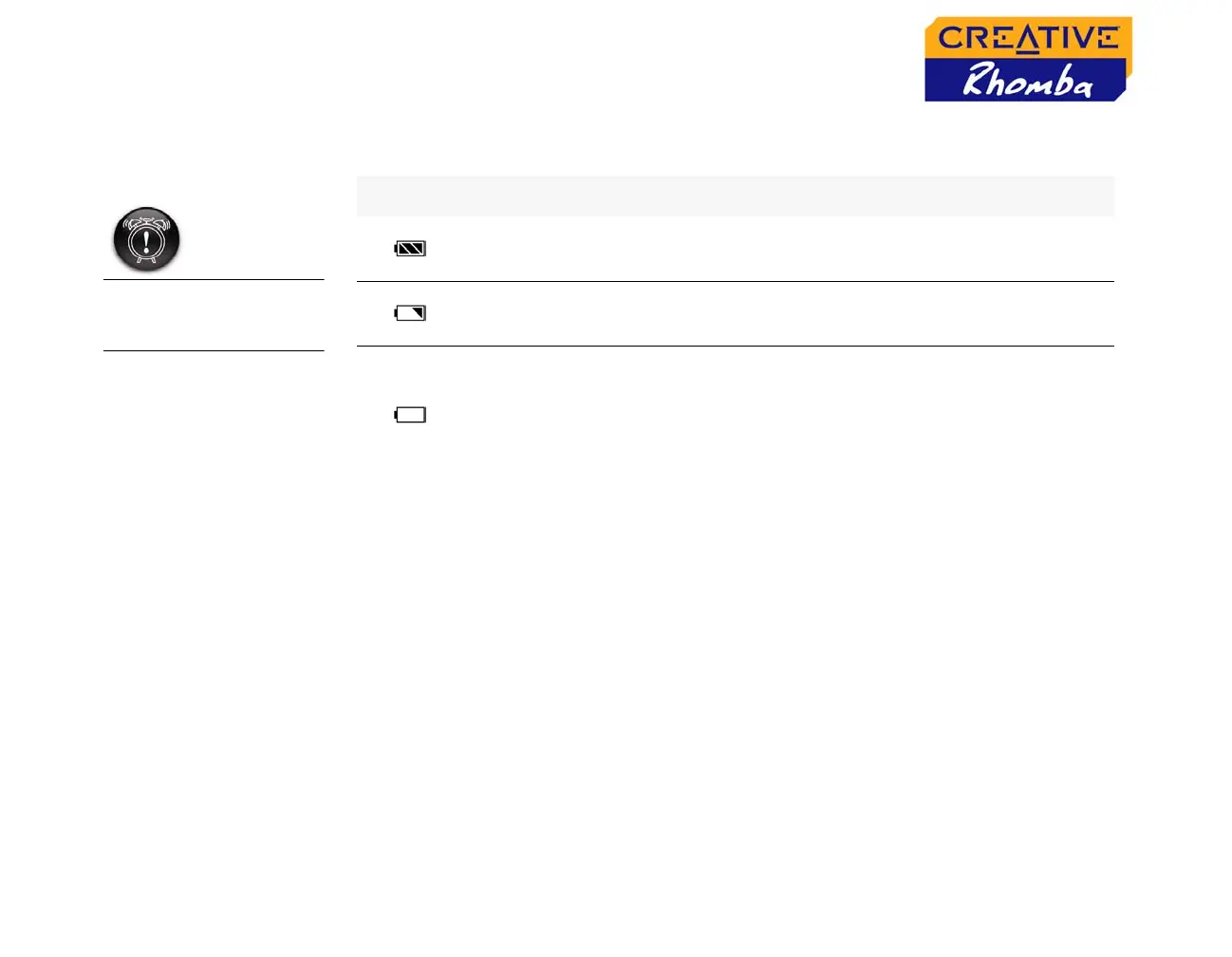
When you turn on your player, the smaller LCD screen displays one of the
following icons, depending on the battery’s status.
Do not dismantle the
built-in battery in this
player.
Icon What the icon means Notes
❍ your player’s battery is full
❍ this battery icon shows
that the battery is full
❍ your player’s battery is 30% full
❍ charge the battery at the
earliest opportunity
❍ your player’s battery is empty
❍ when this icon blinks, it
indicates that the battery
is about to go flat in a few
minutes, and that it
requires a recharge












 To Next Page