Using Your Player 4-14
Changing
microphone
sensitivity
1. Press and hold the Menu scroller.
2. Scroll select the Mic Sens. menu.
3. Scroll select a Mic.Sens submenu.
4. Press the Play/Pause button to exit.
Locking and
unlocking your
player
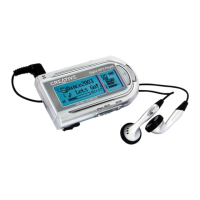
Locking your Rhomba will disable all buttons on the player. This feature is
useful when you do not want any buttons (for example, Pause) pressed
accidentally.
To lock your player
Slide the Hold button in the direction indicated by an arrow.
To unlock your player
Slide the Hold button in the opposite direction indicated by an
arrow.
Higher microphone
sensitivity would
capture more
ambience noise. The
recording may not be
clear.












 To Next Page