3-6 Using Sound Blaster Live! Player 5.1
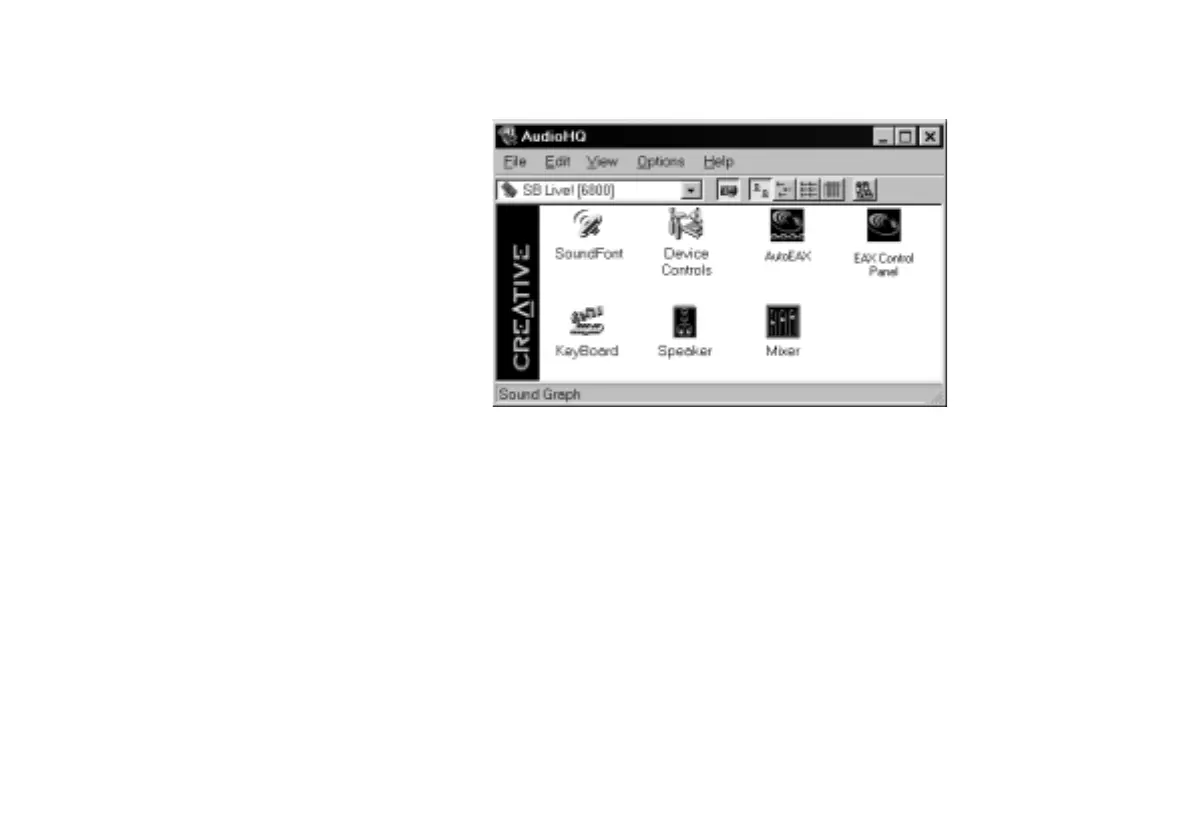
AudioHQ
AudioHQ contains several control utilities that allow you to view, audition, or set up the audio
properties of one or more audio devices on your computer.
AudioHQ can be accessed using any of the following methods:
• Click
Start
->
Programs
->
Creative
->
Sound Blaster Live!
->
AudioHQ
;
• Click or double-click the AudioHQ icon located at the bottom right corner of your
Windows desktop.


 To Next Page