Step 2: Turning On Sound Blaster E5
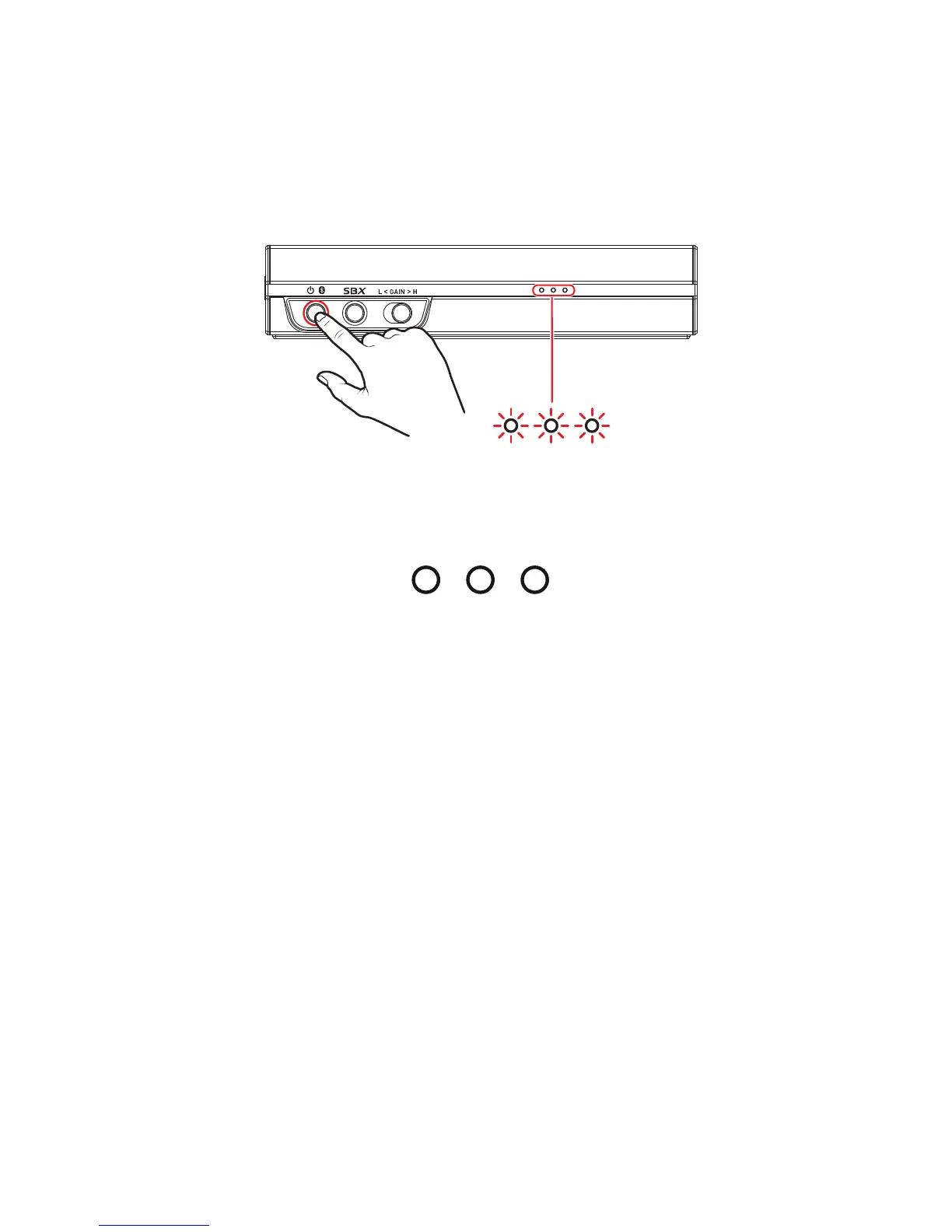
Press the Power / Bluetooth button to turn on Sound Blaster E5.
l Power On – Press and hold 1 sec
l Bluetooth pairing – Press and hold 2 sec
l Power Off – Press and hold 4 sec
Battery level indication
In On mode, the three white LEDs light up according to the battery level of your Sound Blaster E5.
Low Full
When charging during Off mode, the LEDs will light up according to the battery level, and the flashing
LED shows the charge level. All LEDs will turn off when fully charged.
Sound Blaster E5 – Setting Up Your Audio Device 7



 To Next Page