Using the Software 14
Customizing Your Display Avatar
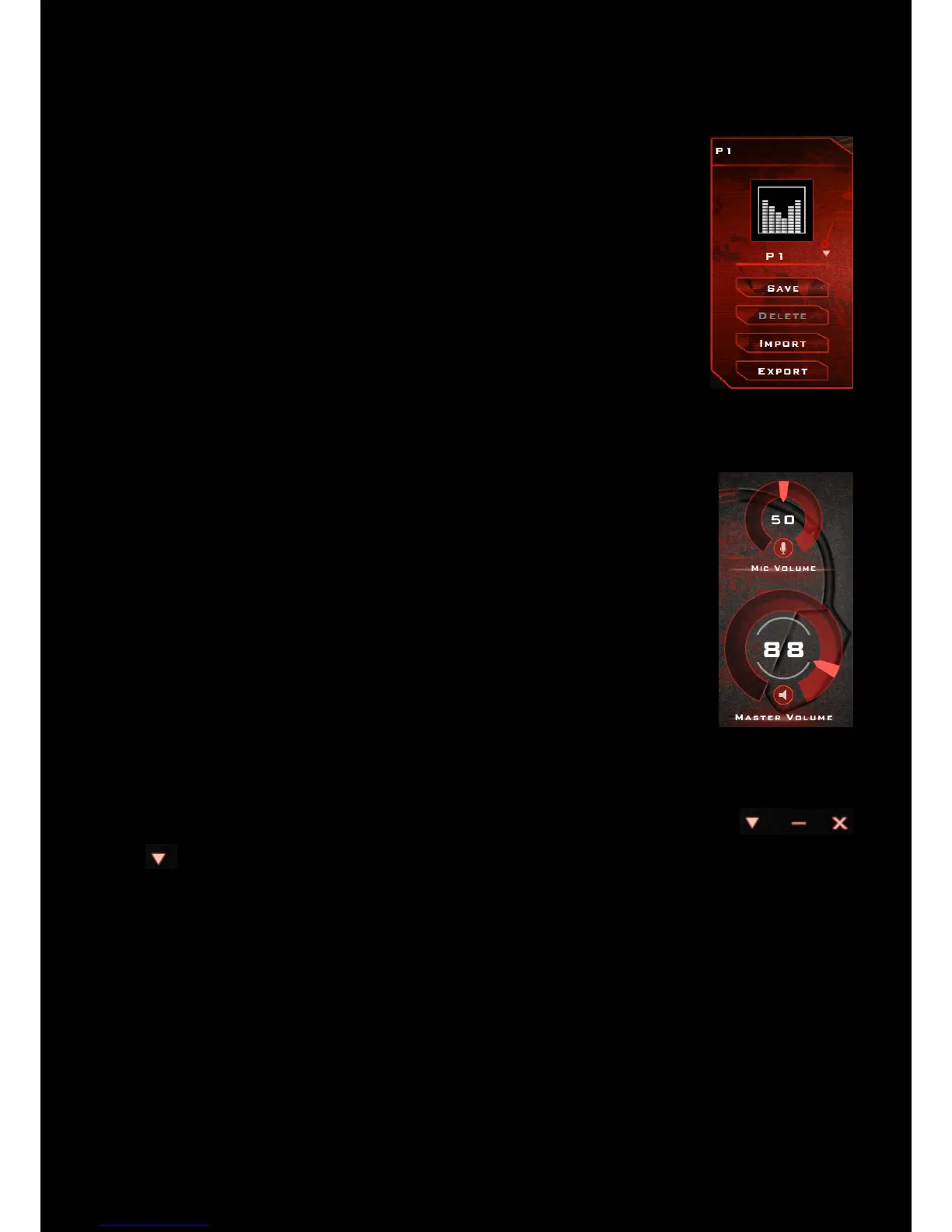
You can customize your control panel display avatar to an image of your choice.
Simply double-click the current avatar and choose an image file from the list.
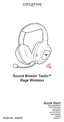
Adjusting Your Volume Settings
Drag the headset or microphone volume marker to adjust the volume level.
You can mute/unmute the headset and/or microphone by clicking their respective
icons.
Configuring your general settings
You can change the language settings or restore settings to their default values.
Click from the top right corner of the interface and select the option from the list.










 To Next Page