Using Your Sound Blaster Tactic3D Rage Wireless 8
Manual Pairing
Your headset is automatically paired to the wireless transmitter it is packaged with out of the box.
However, certain situations such as the use of a new wireless transmitter, errors in connection etc.
may result in the need to manually pair your headset to the transmitter. The procedure for manual
pairing is as follows:
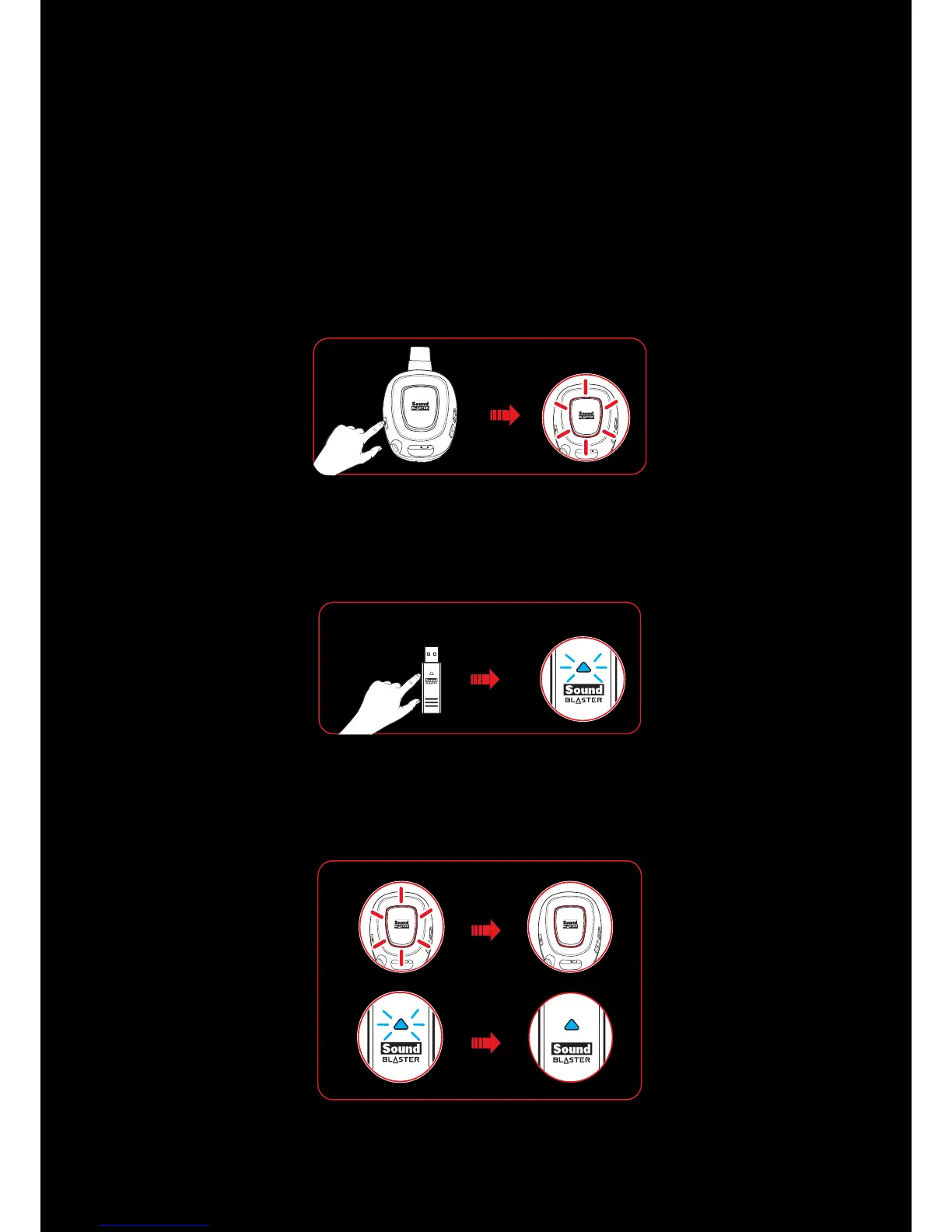
Step 1 : Activate pairing mode on the headset
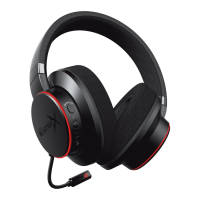
Press and hold the Microphone Mute button on the headset for 3 seconds. The connect LED will begin to
flash rapidly.
Step 2 : Activate pairing mode on the transmitter
Press and hold the Connect button on the USB wireless transmitter for 3 seconds. The Connect LEDon
the transmitter will begin to flash rapidly.
Step 3 :Pairing success
When the headset and the transmitter are paired, the Connect LEDon both devices will stop flashing
and stabilize.










 To Next Page