Congratulations!
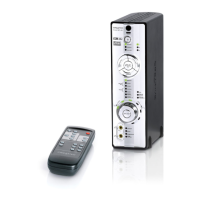
Your Creative Xmod™ Wireless harnesses Creative's X-Fi™ technology to
give you audio beyond CD quality. No software is required, so connect Xmod
Wireless to your computer and stereo speakers, and start enjoying music
with the X-Fi difference.
Read on to learn how to get started with your Xmod Wireless!
Contents
About Your Xmod Wireless ........................................................ 2
About Your Remote Control ......................................................... 3
Setting Up Your Xmod Wireless ................................................... 4
Playing Music From Your Computer ........................................... 6
Using Your Xmod Wireless .......................................................... 6
Using X-Fi Enhancements ........................................................... 9
Connecting Headphones .......................................................... 10
Connecting To An External Stereo Audio Device ...................... 11
FAQs ........................................................................................... 12
General Specifications ............................................................... 16
Safety Information ..................................................................... 17
Declaration of Conformity ......................................................... 18
Bob UG.fm Page 1 Thursday, February 22, 2007 4:04 PM



 To Next Page