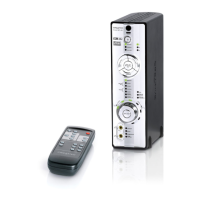
Setting Up Your Xmod Wireless 4
Setting Up Your Xmod Wireless
Step 1: Connect Your Xmod Wireless
Turning on Xmod Wireless
When Xmod Wireless turns on, your wireless connection is being prepared,
so that when it is needed, the best connection can be made without any
interference. During this time, the Power/Standby LED will flash red and
finally light up blue.
2a
2b
1
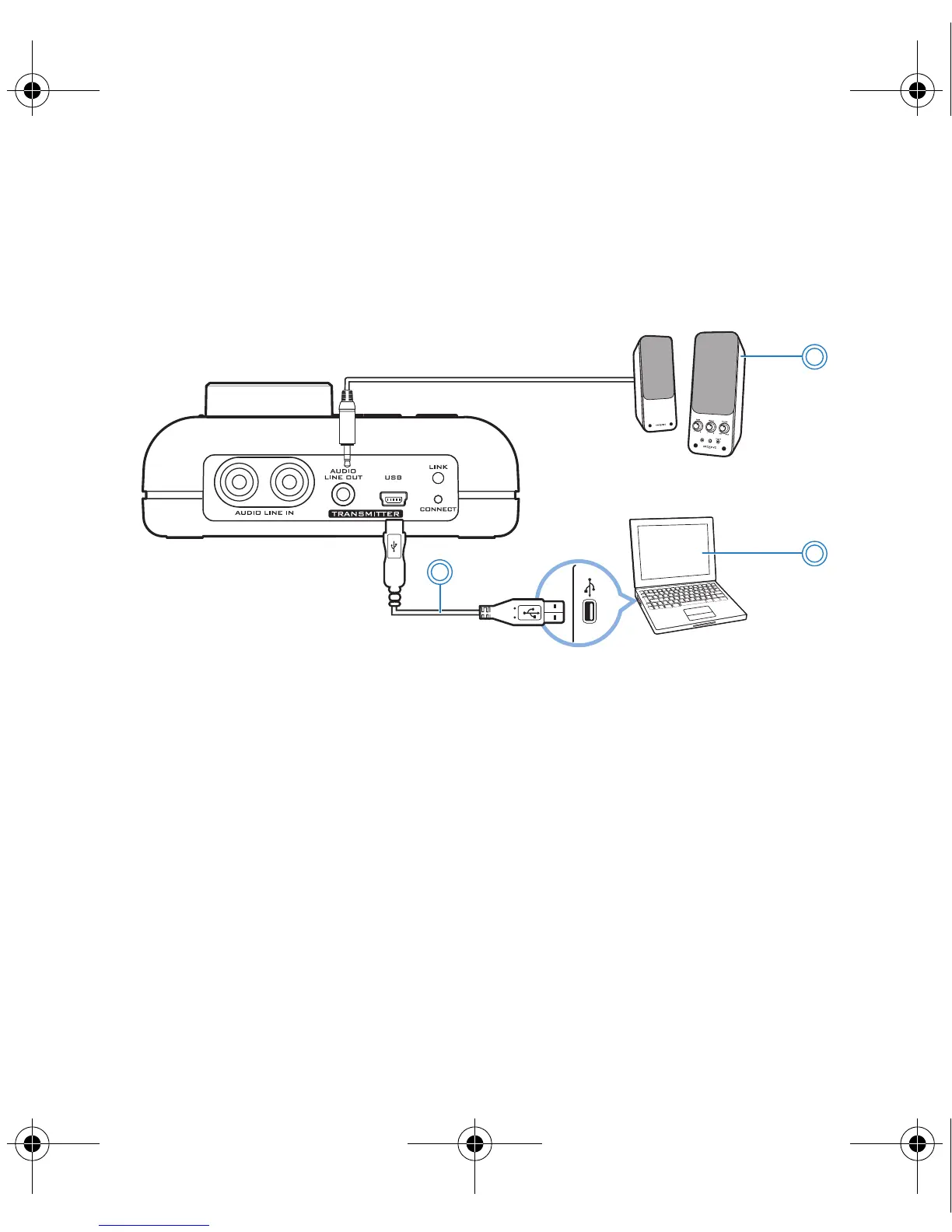
1 Powered stereo or 2.1 speakers 2a USB-to-Mini-USB cable
2b Computer
Bob UG.fm Page 4 Thursday, February 22, 2007 4:04 PM



 To Next Page