Zen at a Glance 12
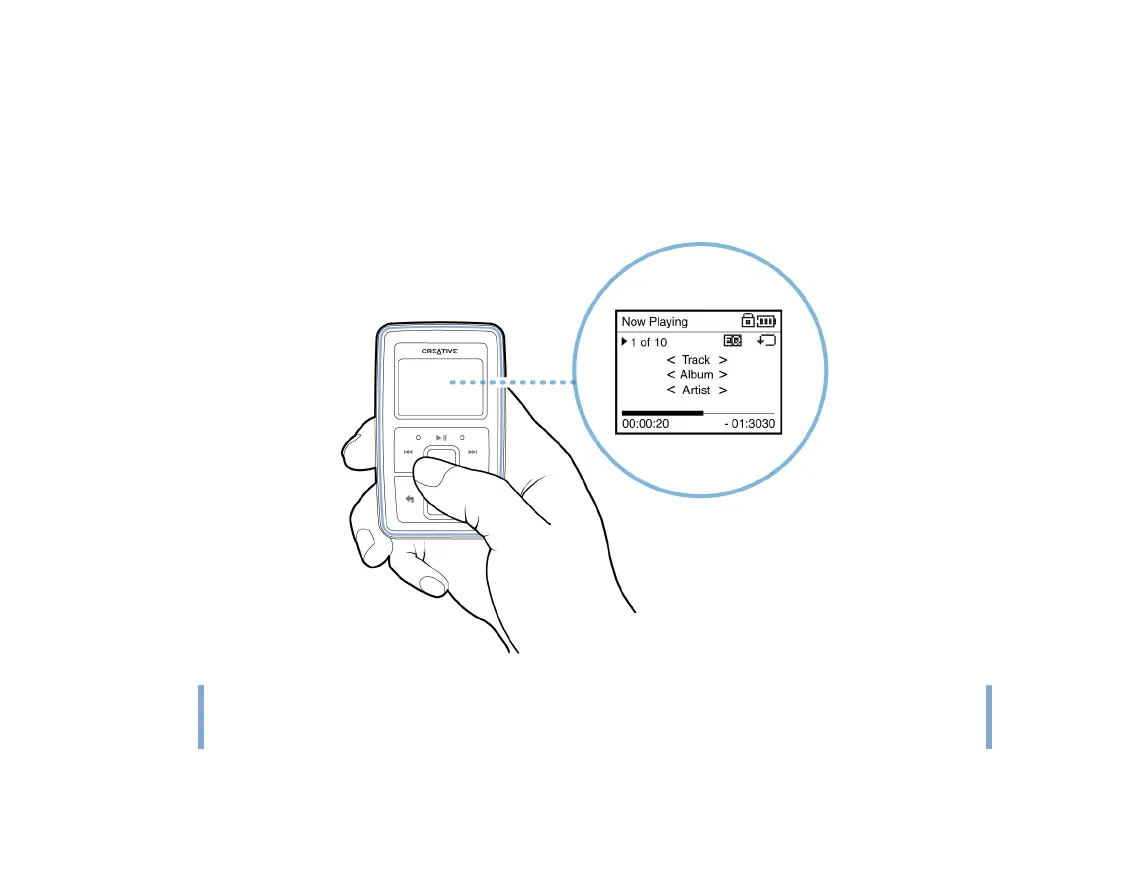
Now Playing screen
The Now Playing screen appears when you turn on Zen, when a song is playing, and
when you select Now Playing in the main menu. When you see the Now Playing screen,
move your thumb up and down the Vertical Touch Pad to adjust the volume. Status icons at
the top right corner of the LCD indicate Zen’s current settings and battery status.
NOTE
When you see the Now Playing screen, firmly tap the Vertical Touch Pad to view the
Selected Music screen. The Selected Music screen shows you your list of selected
music tracks.











 To Next Page