Transferring Music to Zen 23
Transferring Music to Zen
Music tracks that you transfer to Zen must be MP3 or WMA files if you want
to play them back.
Transferring music tracks
1
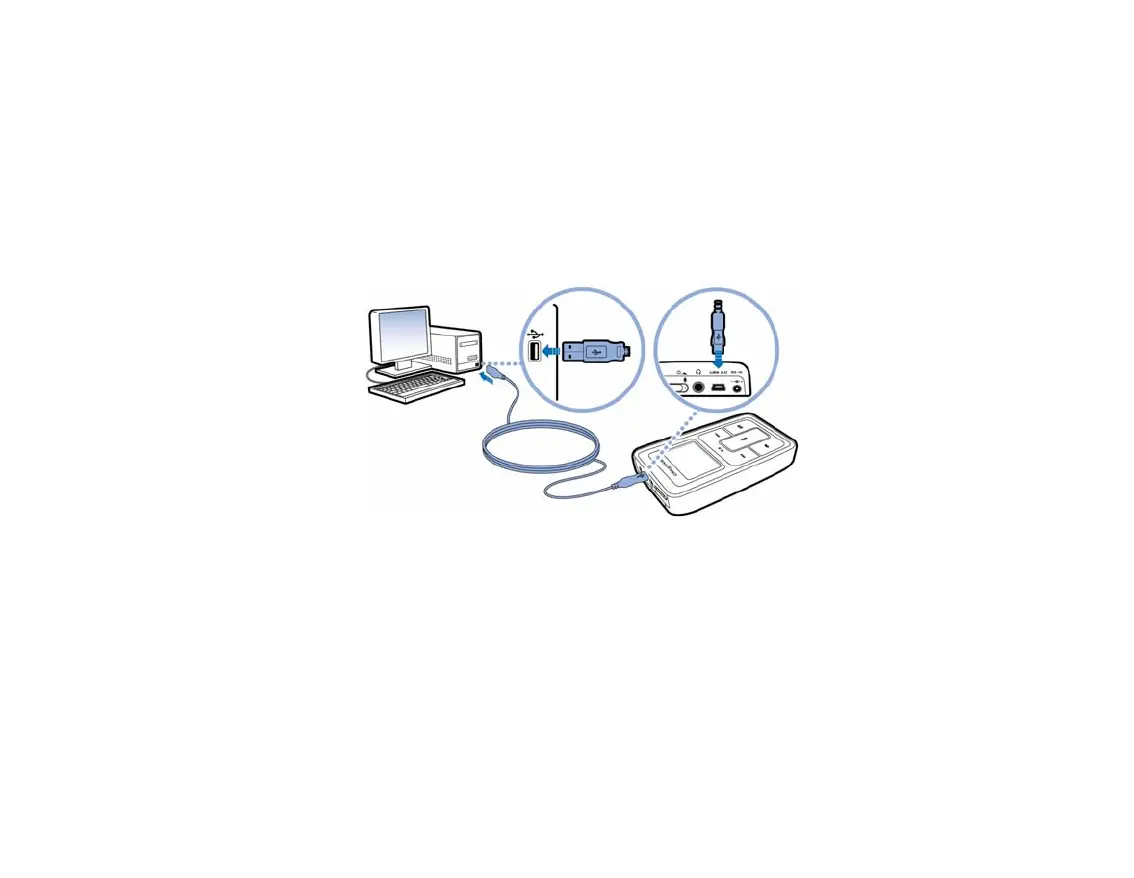
Connect Zen to your computer’s USB port with the supplied USB cable.
2 When your computer detects Zen, Creative MediaSource starts automatically. Transfer
your music tracks (MP3 or WMA files) to Zen using the drag-and-drop method.











 To Next Page