Storing Data Files in Zen 45
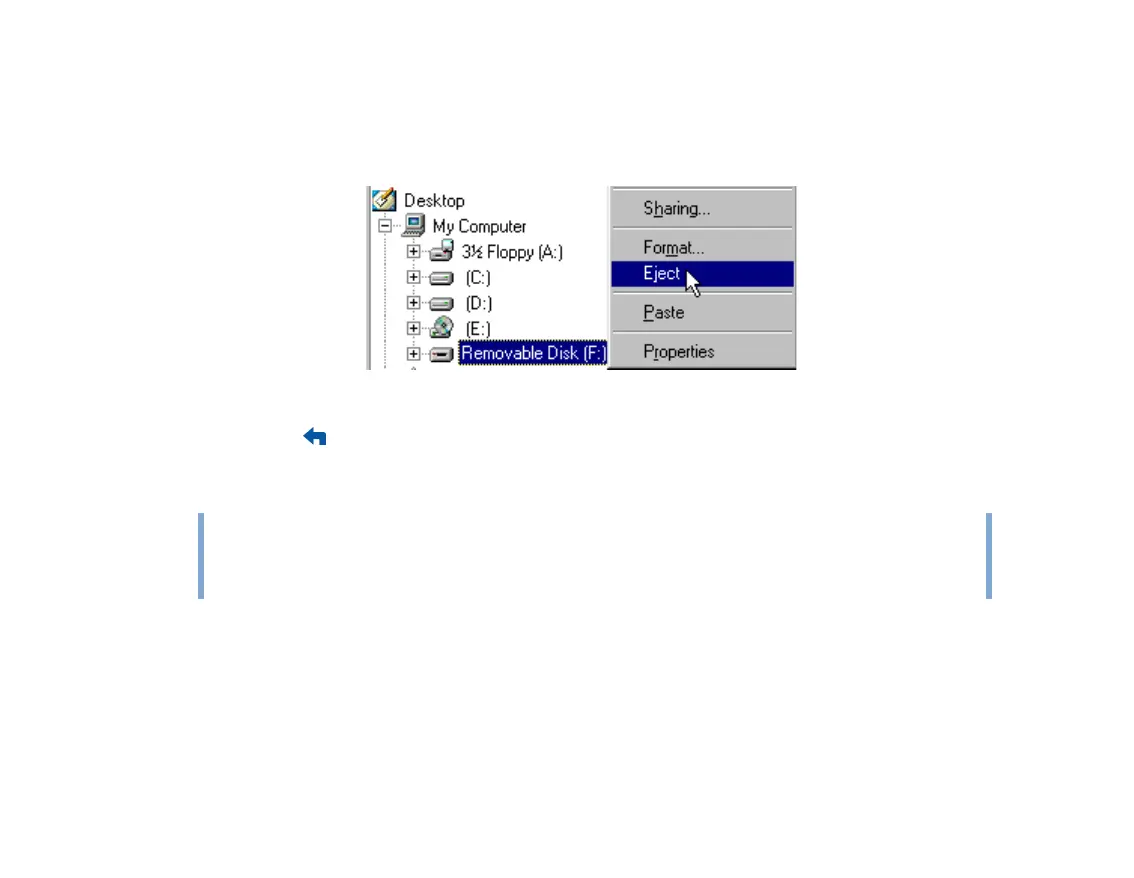
To stop your player in Windows 98 SE
In Windows Explorer, right-click the Removable Disk icon, click the Eject option, and
disconnect your player when you are prompted to do so.
7 To return to the Now Playing screen and continue listening to music on Zen, press the
Menu/Back button.
Remember to disconnect Zen first. Zen cannot return to the Now Playing screen if the USB
cable is still connected to it.
Changing the amount of hard disk space used in Removable Disk mode
You can change the amount of hard disk space that can be used in Removable Disk mode
at anytime.
NOTE
■ Data files saved in the Removable Disk mode hard disk space cannot be viewed or
managed with Zen Media Explorer.
■ Similarly, data files transferred to Zen using Zen Media Explorer cannot be viewed
or managed in Removable Disk mode.











 To Next Page