Storing Data Files in Zen 44
5 Use the drag-and-drop method in Windows Explorer to copy files to and from Zen.
6 When you have finished copying files, safely disconnect Zen using the Windows Eject or
Safely Remove Hardware icon on the Taskbar. Follow these steps below to safely
disconnect your player:
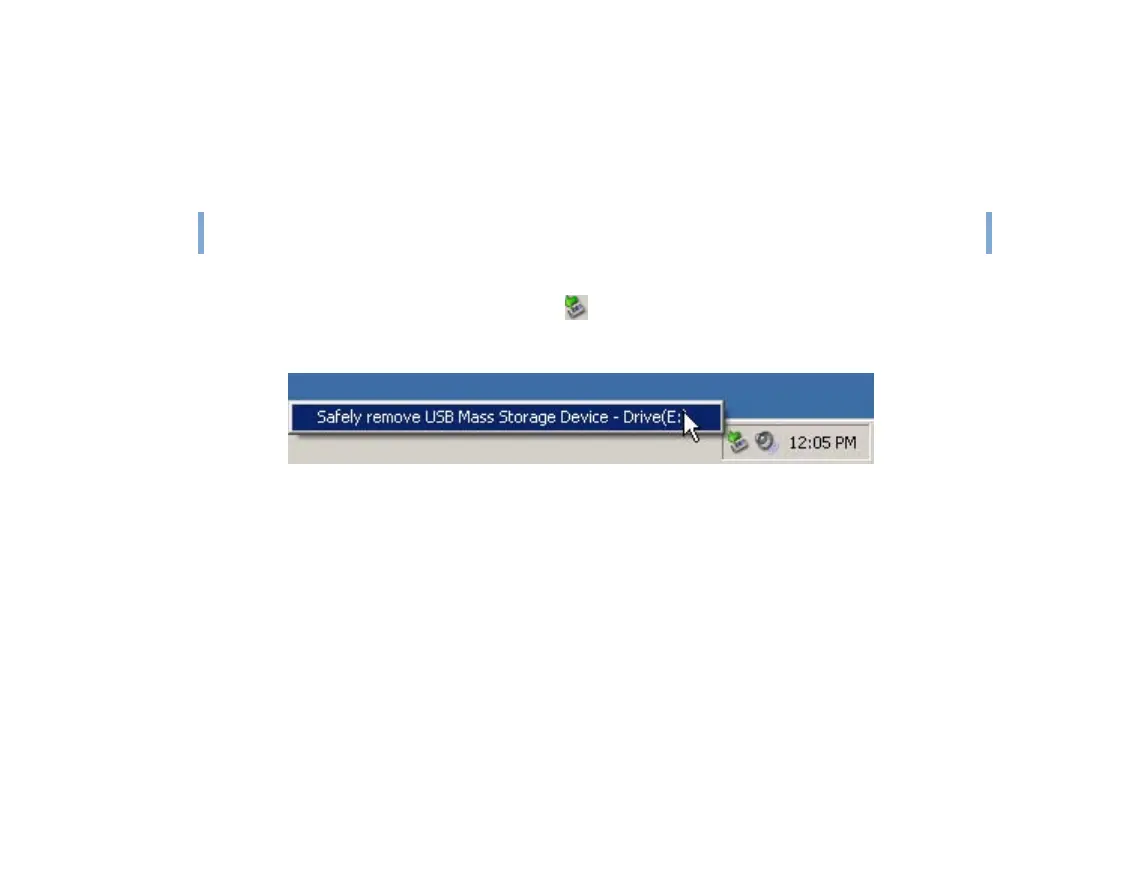
To stop your player in Windows XP, Windows 2000 or Windows Me
Click the Safely Remove Hardware icon on the Taskbar, click Safely remove USB
Mass Storage Device, and disconnect your player when you are prompted to do so.
CAUTION!
Only disconnect Zen after the Do not Disconnect message disappears from the LCD.
If not, your player may not be able to function normally.











 To Next Page