Playing and Managing Music 35
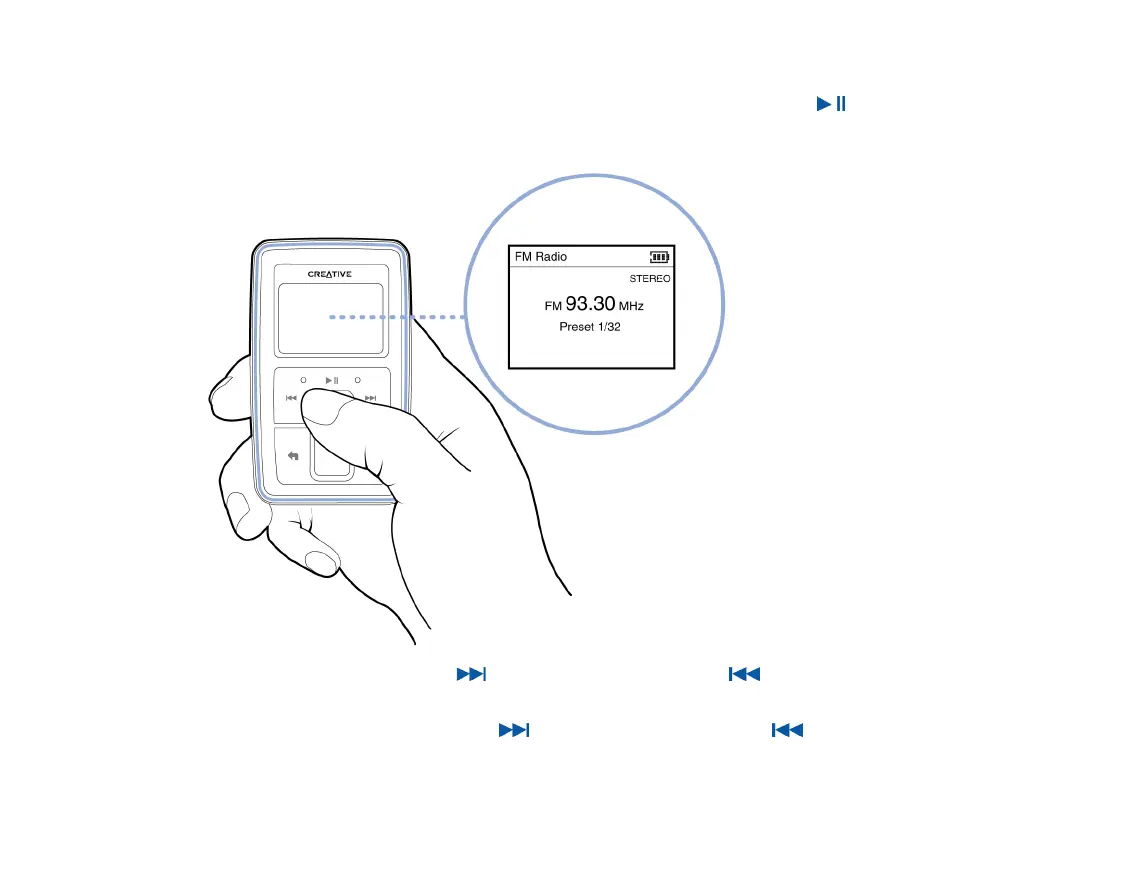
5 To fine tune or manually scan for a radio station, press the Play/Pause button to switch
to the manual tuning view.
6 Press the Next/Fast-Forward button or Previous/Rewind button to fine tune the
radio frequency.
7 Hold down the Next/Fast-Forward button or Previous/Rewind button for one
second to scan for the next available radio station.
Manual tuning view
Preset information
disappears in the manual
tuning view.











 To Next Page