5. Diagnostics
You can Select defference vehicle to Diagnostic, for
example, select [BMW&MINI] and press [ ].
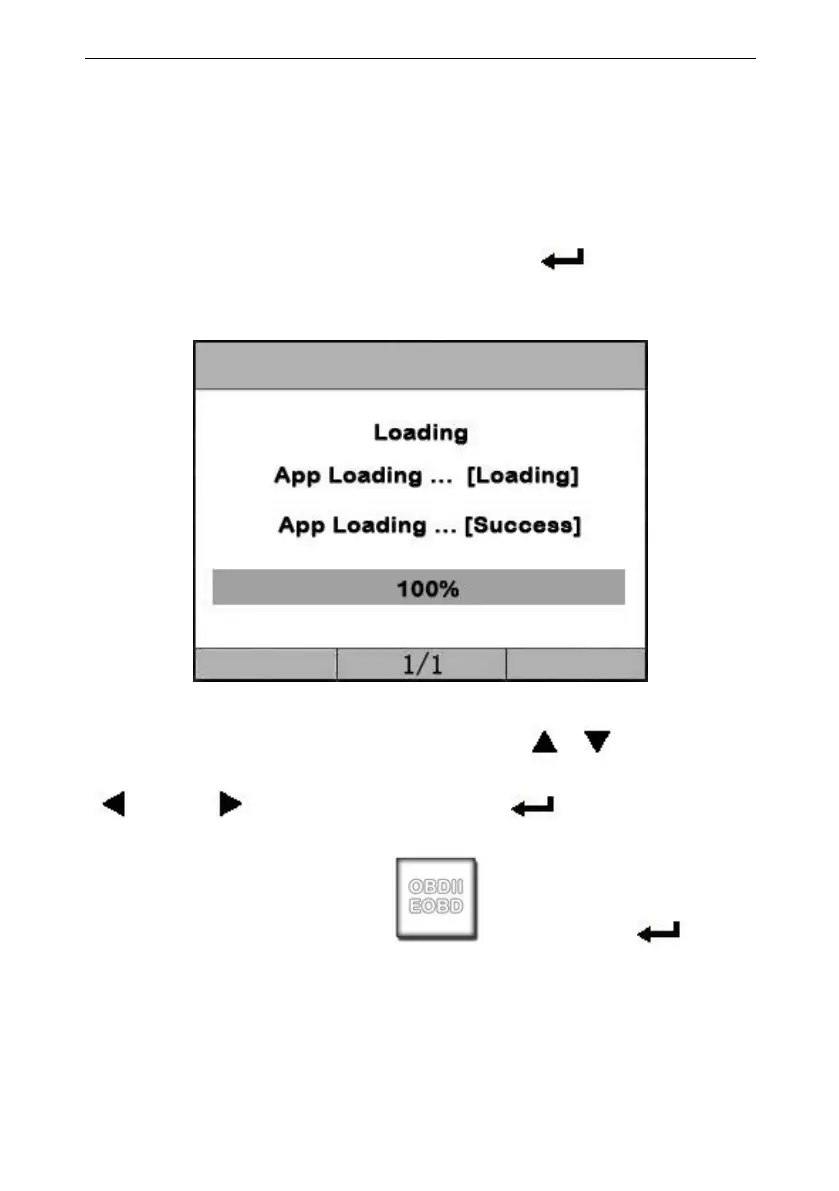
The screen will display loading the App. ,the interface as
shown below:
When Loading sussce, it will enter the Menu for
Diagnostic,you can use the Keyboard [ ][ ] to select,
[ ] and [ ] to Page, and press [ ] to confirm.
For example , you select [ ],and press [ ], the
OBDII application software will be loaded , after Load
successfully, the screen will display he interface as shown
below:


 To Next Page