Creator C50X Single vehicle & OBDII Scanner
19
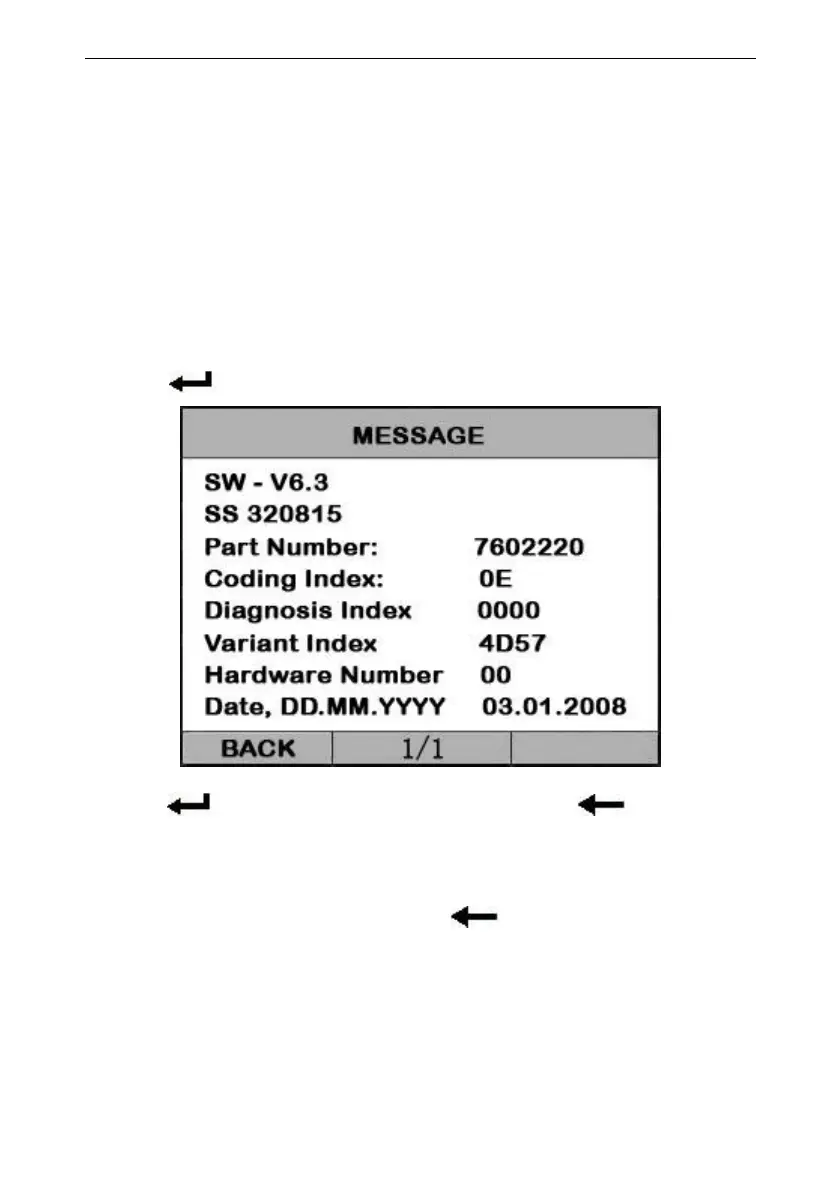
Vehicle Information function is to display the
ECU information, including Software version,
hardware version, diagnostic index, pro. Date,
part number ECT. This function is not supported
Select [Vehicle information] in the [Diagnostic Menu], and
Press [ ]. The screen will display as shown below:
Press [ ] to return data model. Press [ ] to return
[DIAGNOSTIC MENU].
In the [DIAGNOSTIC MENU] press[ ] key, the screen will
display as shown below:


 To Next Page