Press [ ] or [ ] to return the [Diagnostic menu]
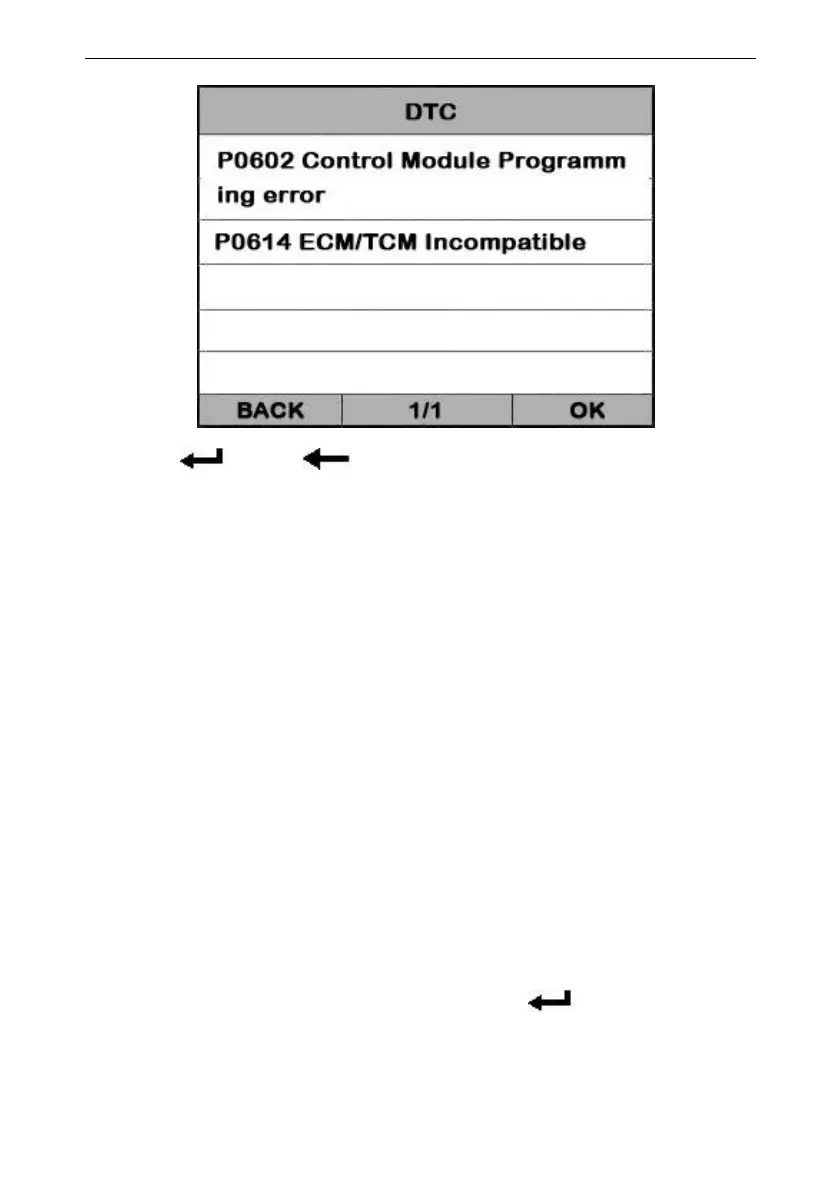
View DTCs and their definitions on screen.
If there are no Diagnostic Trouble Codes present, the
display indicates “No Trouble Code” Wait a few
seconds or press any OK to return to Diagnostic Menu.
The control module number, sequence of the DTCs,
total number of codes detected and type of codes
(Generic or Manufacturer specific) will be observed on
the upper right hand corner of the display.
Select [Erase Trouble Code] and press[ ] in [Diagnostic
Menu]. the screen will display the interface as shown
below:


 To Next Page