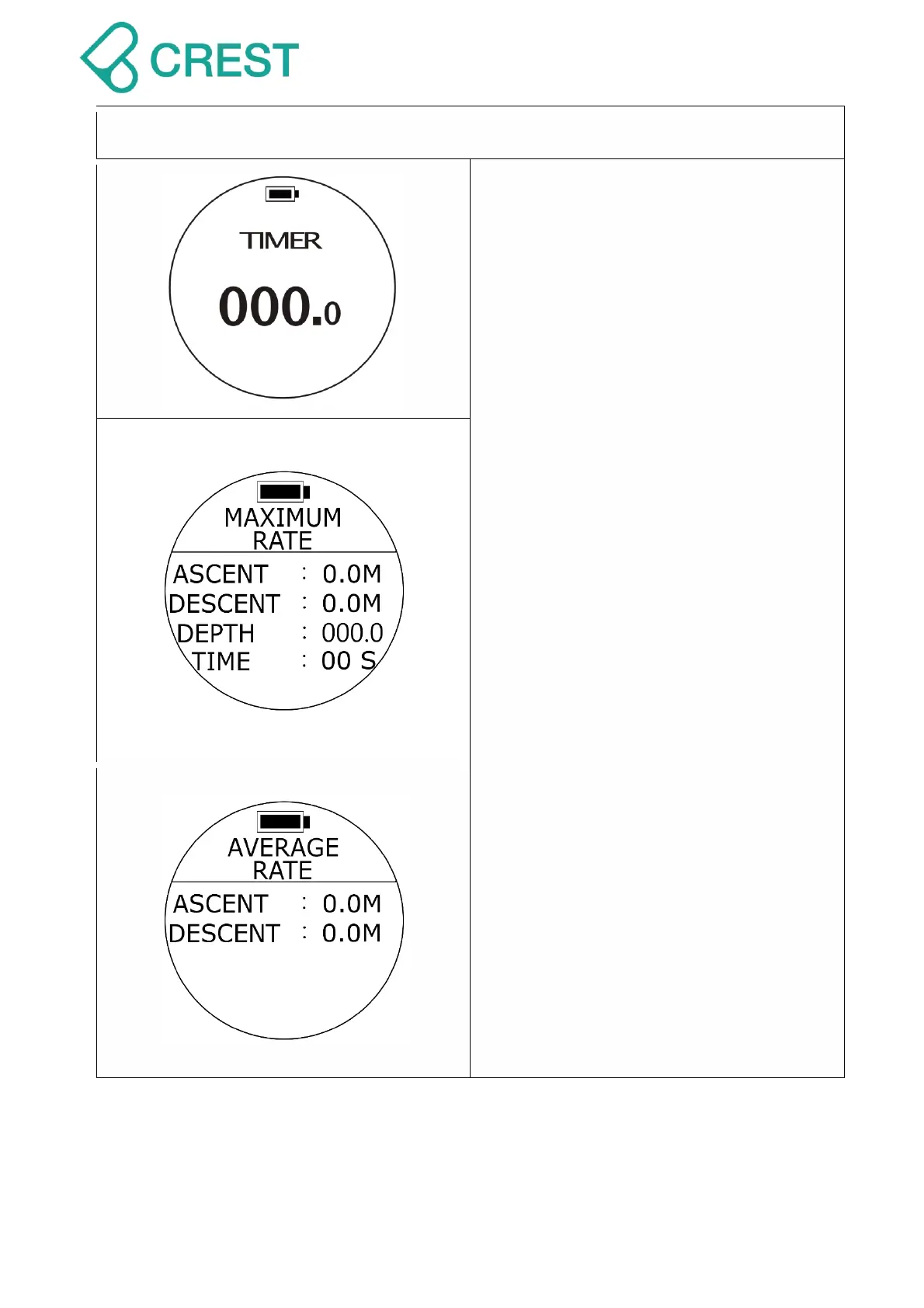
Description: Freediving Mode -Timer
To Access: Press DOWN Button once
under Freediving Mode.
Note: In Timer function, the UP Button
is to Start / Pause; MODE Button is reset
time; DOWN Button is to go to next page
and leave the Timer function.
Description: Freediving Mode -
Maximum History
To Access: Press DOWN Button once
under Freediving Mode – Timer.
ASCENT:MAX Ascent Speed
DESCENT:MAX Descent Speed
DEPTH:MAX Depth
TIME:MAX Descent time
Note: Maximum History Information will
be Return-to-Zero when existing
Freediving Mode.
Description:Freediving Mode - Average
Rate
To Access: Press DOWN Button once
under Freediving Mode – Maximum History.
ASCENT:Average Ascent speed
DESCENT:Average Descent speed
Note: Average Rate Information will be
Return-to-Zero when you exist
Freediving Mode.


 To Next Page